Pico Walkthrough
PICOCTF 2023
Description: I really enjoyed participating in this CTF. Big shoutout to my teammates in the JuJu team. I attempted and solved different categories like the general, forensics, some cryptography and RE. This writeup will show the challenges I was able to solve to contribute points to the team.
Let’s start with the Forensics
Forensics (5/7)
1) hideme (100 pts)
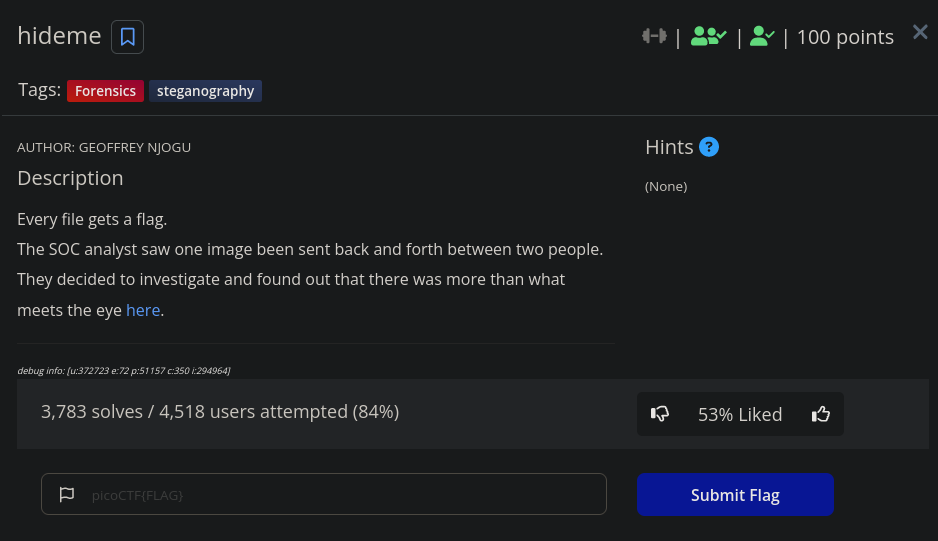
Here we see there is an image to be downloaded. Upon downloading, the image is a png file. 
First thing I do is run foremost on it using the command foremost -i flag.png 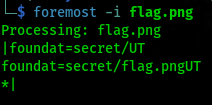
We see the output. There is a secret directory and a flag.png file inside that directory.
Next we navigate to the output dir and then move to the zip dir. There you unzip the compressed file and then you get your flag in the other flag.png file. 
Flag: picoCTF{Hiddinng_An_imag3_within_@n_ima9e_d55982e8}
2) PcapPoisoning (100 pts)
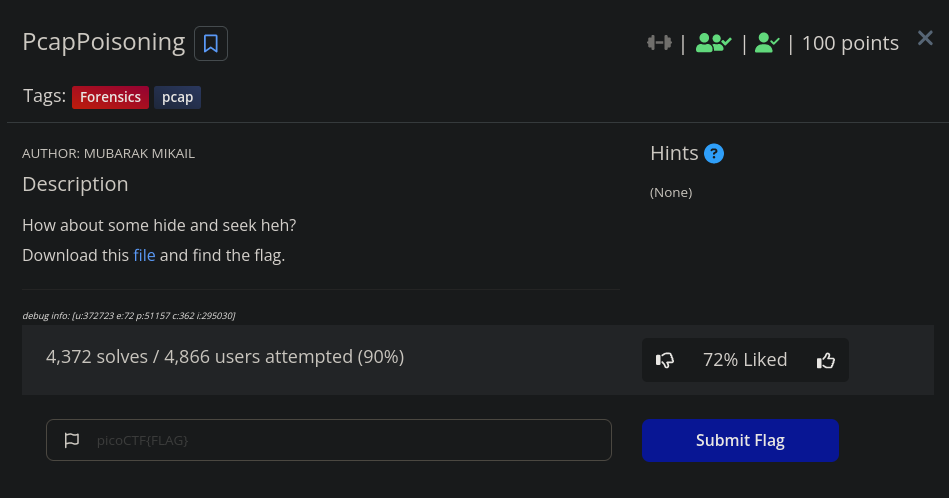
The file required to be downloaded is a pcap file. Let’s open it in wireshark and analyze it. 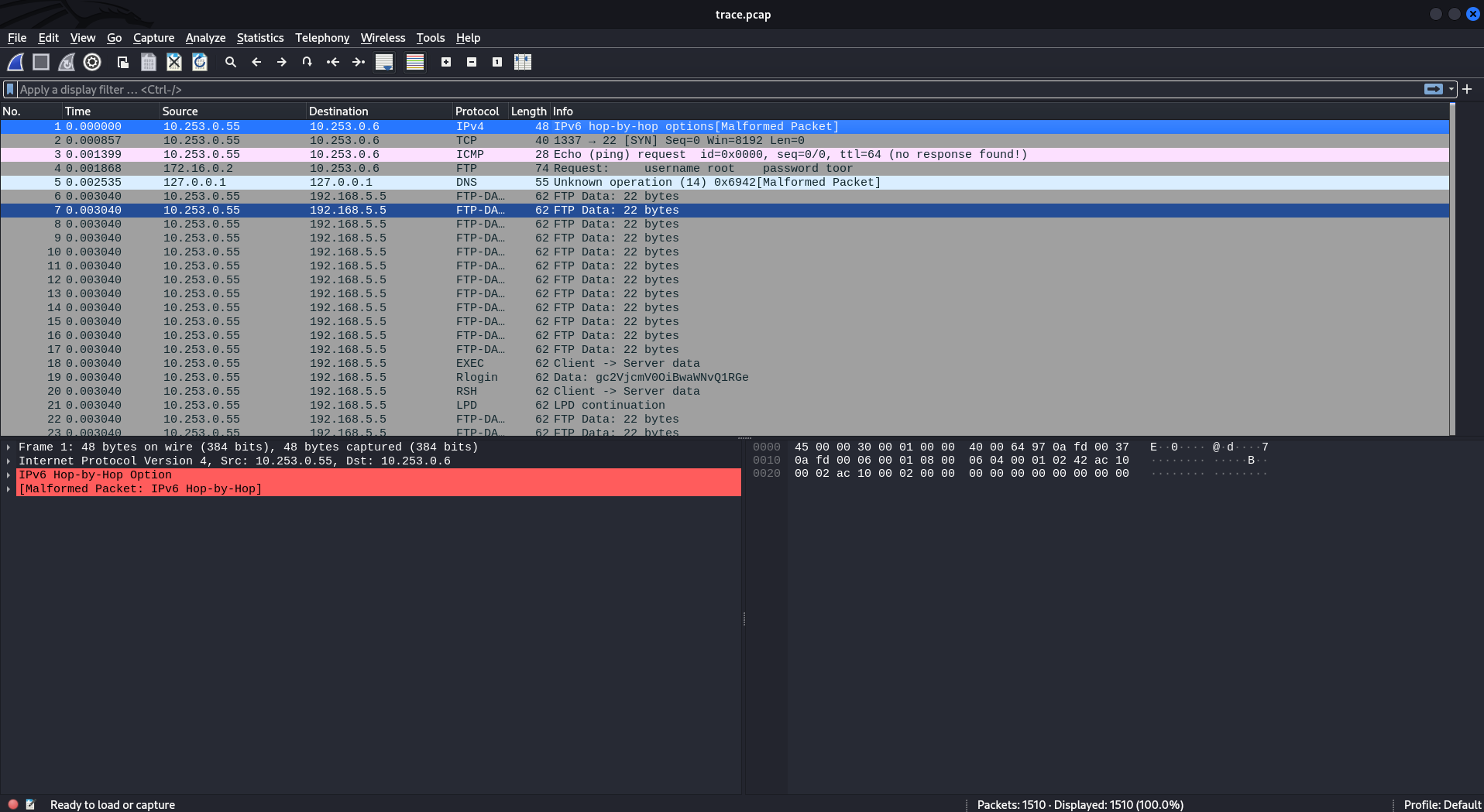
Total number of packets is 1510 and looking through that amount would just be absolute pain. Well you could try looking at every packet or use find to search for any string you want. Using Ctrl + F you can search for whatever string in the packets. Let’s try searching for the string ‘pico’. 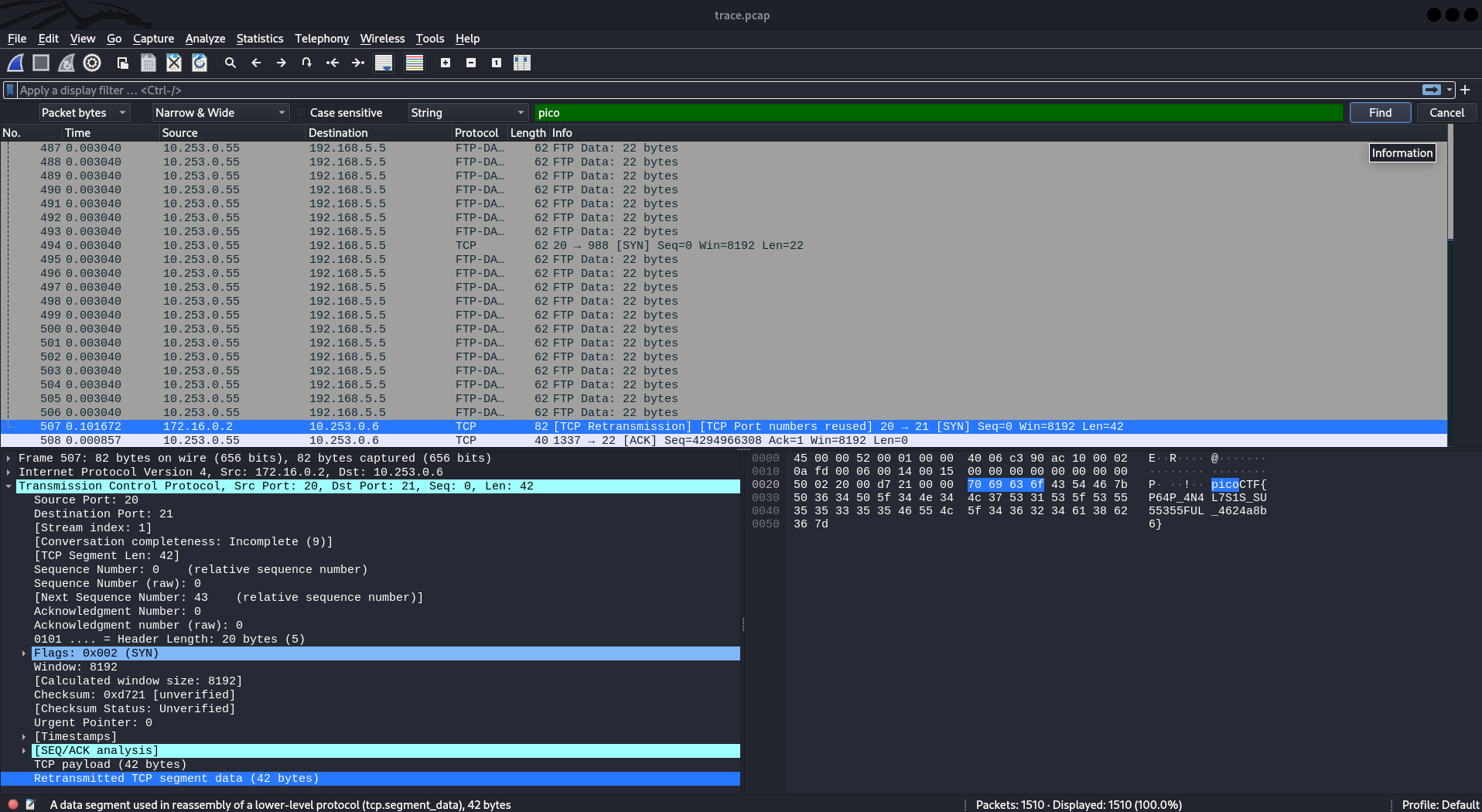
And Boom!!! We got our flag!!
Flag: picoCTF{P64P_4N4L7S1S_SU55355FUL_4624a8b6}
3) who is it (100 pts)
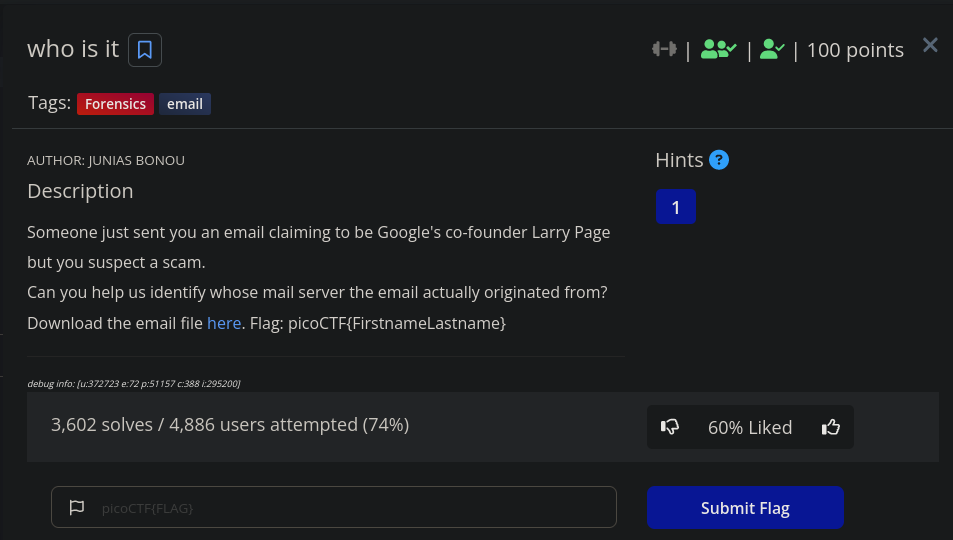
The download file required for this challenge is an eml or email file. Rather than opening it on the email client, open it in the text editor. Analyzing the email we look for the Received: from and Return-Path headers to get any tangible information. 
Notice the IP address, 173.249.33.206 let’s run whois on it. Here is the output:
$ whois 173.249.33.206

#
# ARIN WHOIS data and services are subject to the Terms of Use
# available at: https://www.arin.net/resources/registry/whois/tou/
#
# If you see inaccuracies in the results, please report at
# https://www.arin.net/resources/registry/whois/inaccuracy_reporting/
#
# Copyright 1997-2023, American Registry for Internet Numbers, Ltd.
#


NetRange:       173.249.0.0 - 173.249.63.255
CIDR:           173.249.0.0/18
NetName:        RIPE
NetHandle:      NET-173-249-0-0-1
Parent:         NET173 (NET-173-0-0-0-0)
NetType:        Early Registrations, Transferred to RIPE NCC
OriginAS:
Organization:   RIPE Network Coordination Centre (RIPE)
RegDate:        2017-09-14
Updated:        2017-09-14
Ref:            https://rdap.arin.net/registry/ip/173.249.0.0

ResourceLink:  https://apps.db.ripe.net/search/query.html
ResourceLink:  whois://whois.ripe.net


OrgName:        RIPE Network Coordination Centre
OrgId:          RIPE
Address:        P.O. Box 10096
City:           Amsterdam
StateProv:
PostalCode:     1001EB
Country:        NL
RegDate:
Updated:        2013-07-29
Ref:            https://rdap.arin.net/registry/entity/RIPE

ReferralServer:  whois://whois.ripe.net
ResourceLink:  https://apps.db.ripe.net/search/query.html

OrgAbuseHandle: ABUSE3850-ARIN
OrgAbuseName:   Abuse Contact
OrgAbusePhone:  +31205354444
OrgAbuseEmail:  abuse@ripe.net
OrgAbuseRef:    https://rdap.arin.net/registry/entity/ABUSE3850-ARIN

OrgTechHandle: RNO29-ARIN
OrgTechName:   RIPE NCC Operations
OrgTechPhone:  +31 20 535 4444
OrgTechEmail:  hostmaster@ripe.net
OrgTechRef:    https://rdap.arin.net/registry/entity/RNO29-ARIN


#
# ARIN WHOIS data and services are subject to the Terms of Use
# available at: https://www.arin.net/resources/registry/whois/tou/
#
# If you see inaccuracies in the results, please report at
# https://www.arin.net/resources/registry/whois/inaccuracy_reporting/
#
# Copyright 1997-2023, American Registry for Internet Numbers, Ltd.
#


Found a referral to whois.ripe.net.

% This is the RIPE Database query service.
% The objects are in RPSL format.
%
% The RIPE Database is subject to Terms and Conditions.
% See http://www.ripe.net/db/support/db-terms-conditions.pdf

% Note: this output has been filtered.
%       To receive output for a database update, use the "-B" flag.

% Information related to '173.249.32.0 - 173.249.63.255'

% Abuse contact for '173.249.32.0 - 173.249.63.255' is 'abuse@contabo.de'

inetnum:        173.249.32.0 - 173.249.63.255
netname:        CONTABO
descr:          Contabo GmbH
country:        DE
org:            ORG-GG22-RIPE
admin-c:        MH7476-RIPE
tech-c:         MH7476-RIPE
status:         ASSIGNED PA
mnt-by:         MNT-CONTABO
created:        2018-08-22T07:28:02Z
last-modified:  2018-08-22T07:28:02Z
source:         RIPE

organisation:   ORG-GG22-RIPE
org-name:       Contabo GmbH
country:        DE
org-type:       LIR
remarks:        * Please direct all complaints about Internet abuse like Spam, hacking or scans *
remarks:        * to abuse@contabo.de . This will guarantee fastest processing possible. *
address:        Aschauer Strasse 32a
address:        81549
address:        Munchen
address:        GERMANY
phone:          +498921268372
fax-no:         +498921665862
abuse-c:        MH12453-RIPE
mnt-ref:        RIPE-NCC-HM-MNT
mnt-ref:        MNT-CONTABO
mnt-ref:        MNT-OCIRIS
mnt-by:         RIPE-NCC-HM-MNT
mnt-by:         MNT-CONTABO
created:        2009-12-09T13:41:08Z
last-modified:  2021-09-14T10:49:04Z
source:         RIPE # Filtered

person:         Wilhelm Zwalina
address:        Contabo GmbH
address:        Aschauer Str. 32a
address:        81549 Muenchen
phone:          +49 89 21268372
fax-no:         +49 89 21665862
nic-hdl:        MH7476-RIPE
mnt-by:         MNT-CONTABO
mnt-by:         MNT-GIGA-HOSTING
created:        2010-01-04T10:41:37Z
last-modified:  2020-04-24T16:09:30Z
source:         RIPE

% Information related to '173.249.32.0/23AS51167'

route:          173.249.32.0/23
descr:          CONTABO
origin:         AS51167
mnt-by:         MNT-CONTABO
created:        2018-02-01T09:50:10Z
last-modified:  2018-02-01T09:50:10Z
source:         RIPE

% This query was served by the RIPE Database Query Service version 1.106 (DEXTER)
There we have the name!
Flag: picoCTF{WilhelmZwalina}
3) MSB (200 pts)
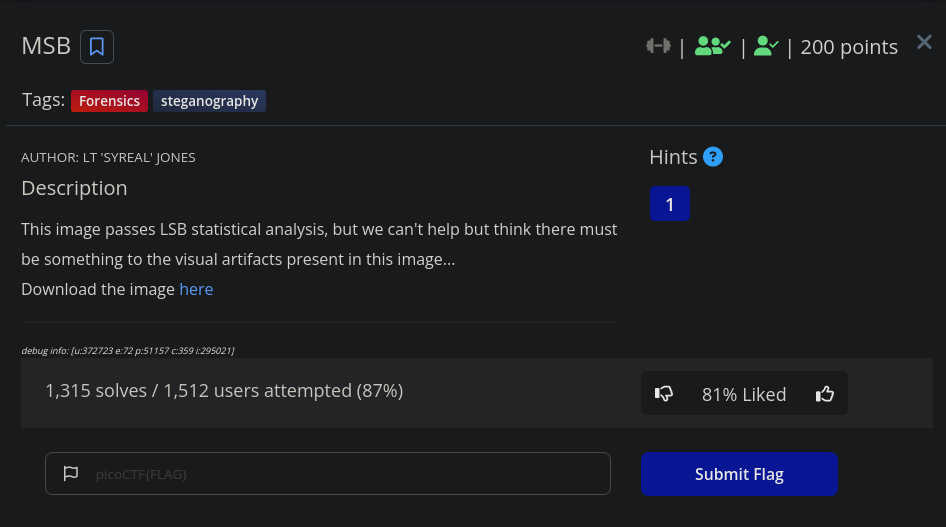
In this challenge, the file required to be downloaded was a png file. On opening this file, the contents are not very clear. 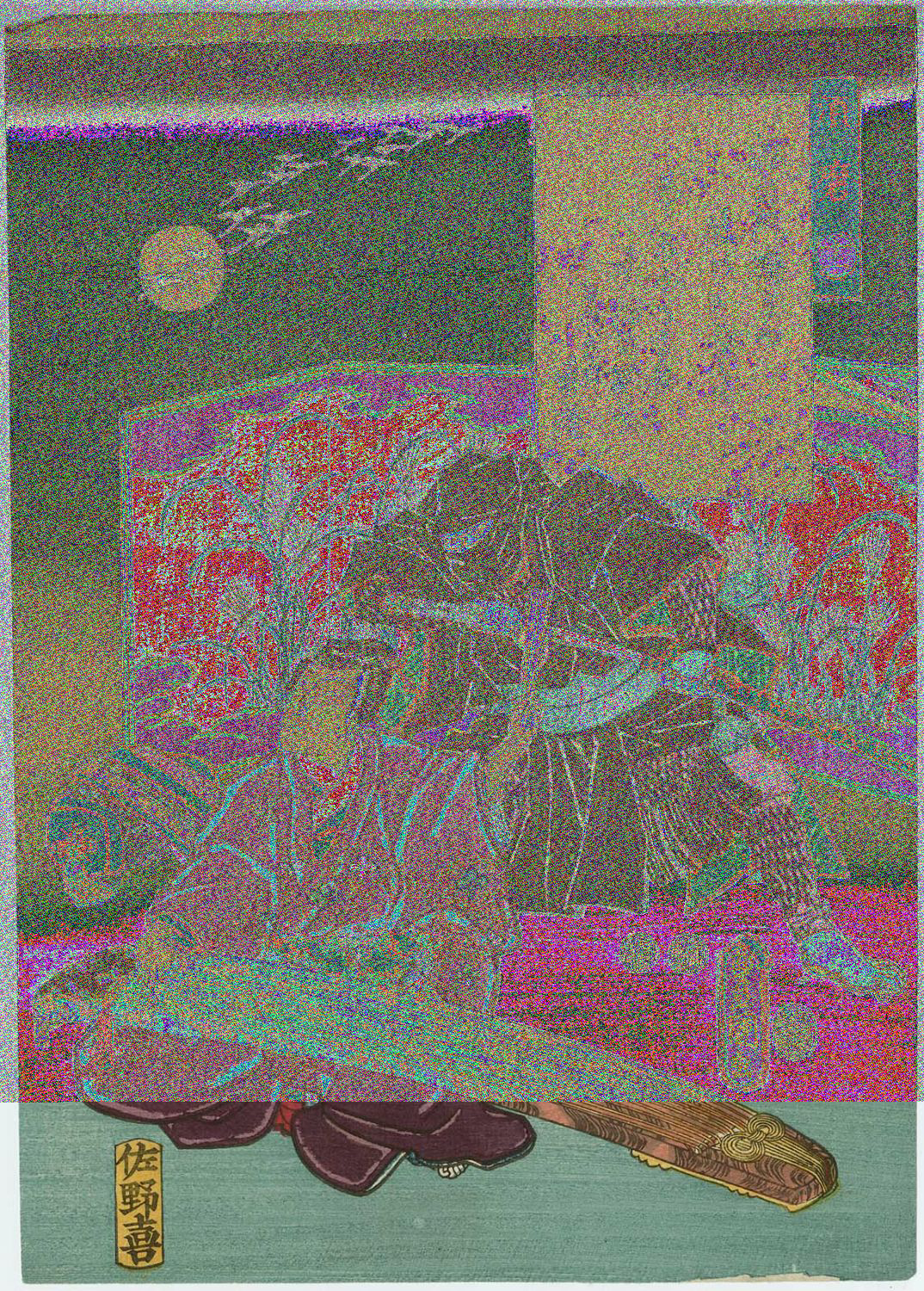
The hint for the challenge says: What's causing the 'corruption' of the image?.
And we see that the challenge details mentions LSB statistics. Doing some research on LSB and MSB I found a tool called stegoveritas which can be used to bruteforce any LSB related steg so I got it and ran it using the command: stegoveritas -bruteLSB Ninja-and-Prince-Genji-Ukiyoe-Utagawa-Kunisada.png
After running the tool, it extracts important data from it and saves it in a dir called results. Combing through the extracted data, we can grep for the flag by running: grep -ir pico And there we have our flag 
Flag: picoCTF{15_y0ur_que57_qu1x071c_0r_h3r01c_3a219174}
4) FindAndOpen (200 pts)
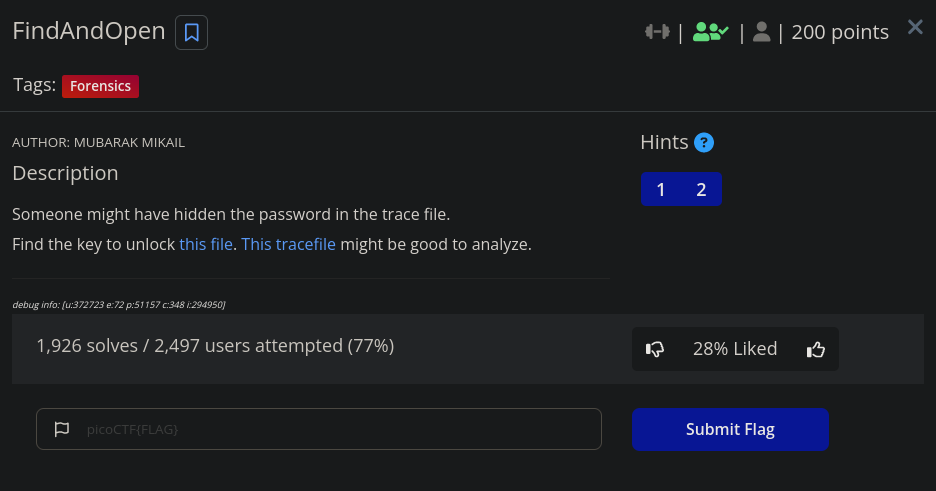
The required files for download here area flag.zip file and dump.pcap file. Trying to unzip the compressed file and it’s password protected.
Let’s analyze the pcap file in wireshark.
Looking at individual packets I see something peculiar about packet 48. Looking closely, it has a base64 content. I quickly grab that and then decode it and I see half of the flag-picoCTF{R34DING_LOKd_
Still looking through the pcap to find any hints concerning the password for the flag.zip file and after many attempts I decided to use the half flag I found as the password and voila!! It worked!!
Flag: picoCTF{R34DING_LOKd_fil56_succ3ss_494c4f32}
Reverse Engineering (3/9)
1) Ready Gladiator 0 (100 pts)
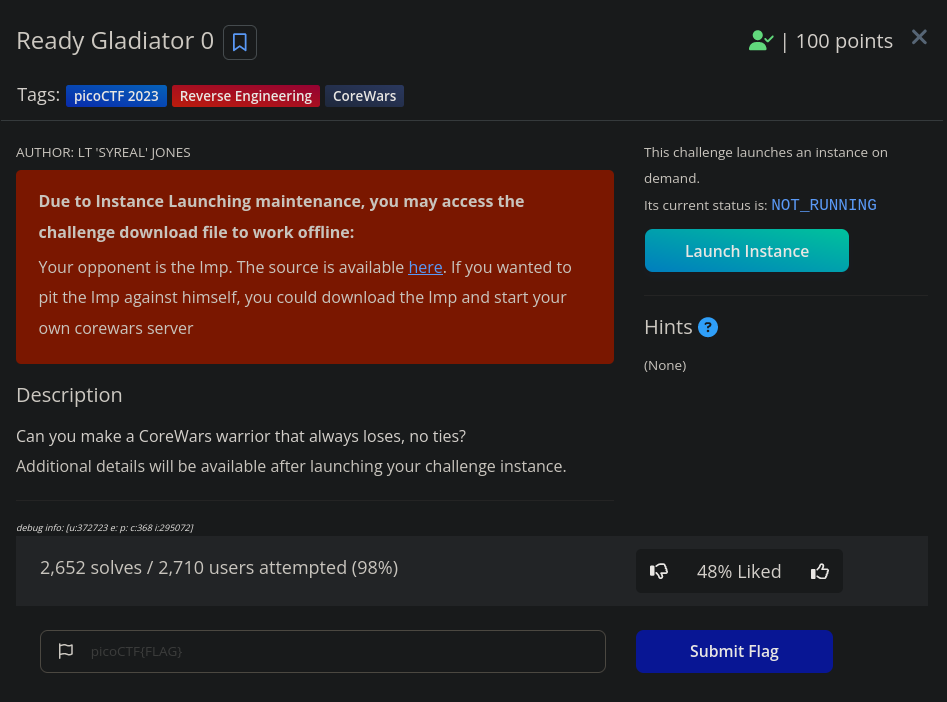
This challenge is based on the Corewars game and the opponent is the Imp. Let’s start the instance.
Now connect to the instance using netcat: nc saturn.picoctf.net <port-number>
The instruction is to submit your warrior, input end and then hit enter and boom we got our flag!!! 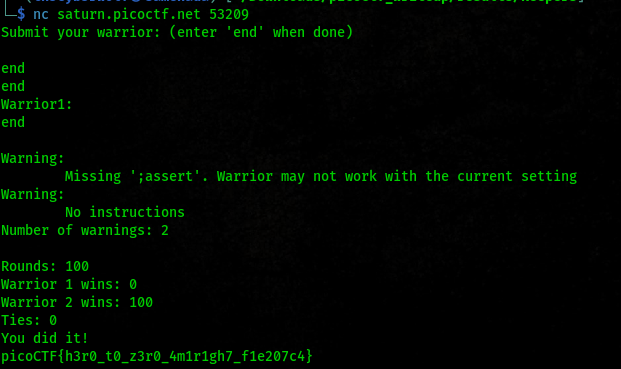
Flag: picoCTF{h3r0_t0_z3r0_4m1r1gh7_f1e207c4}
2) Safe Opener 2 (100 pts)
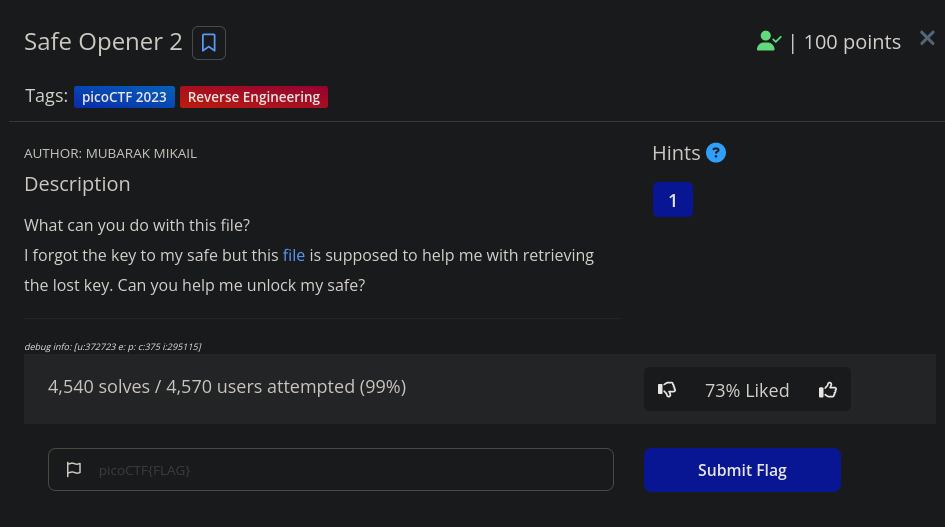
This challenge needs us to download a java class file. We load it into ghidra and look at the source code.
And looking through the functions we find our flag!! 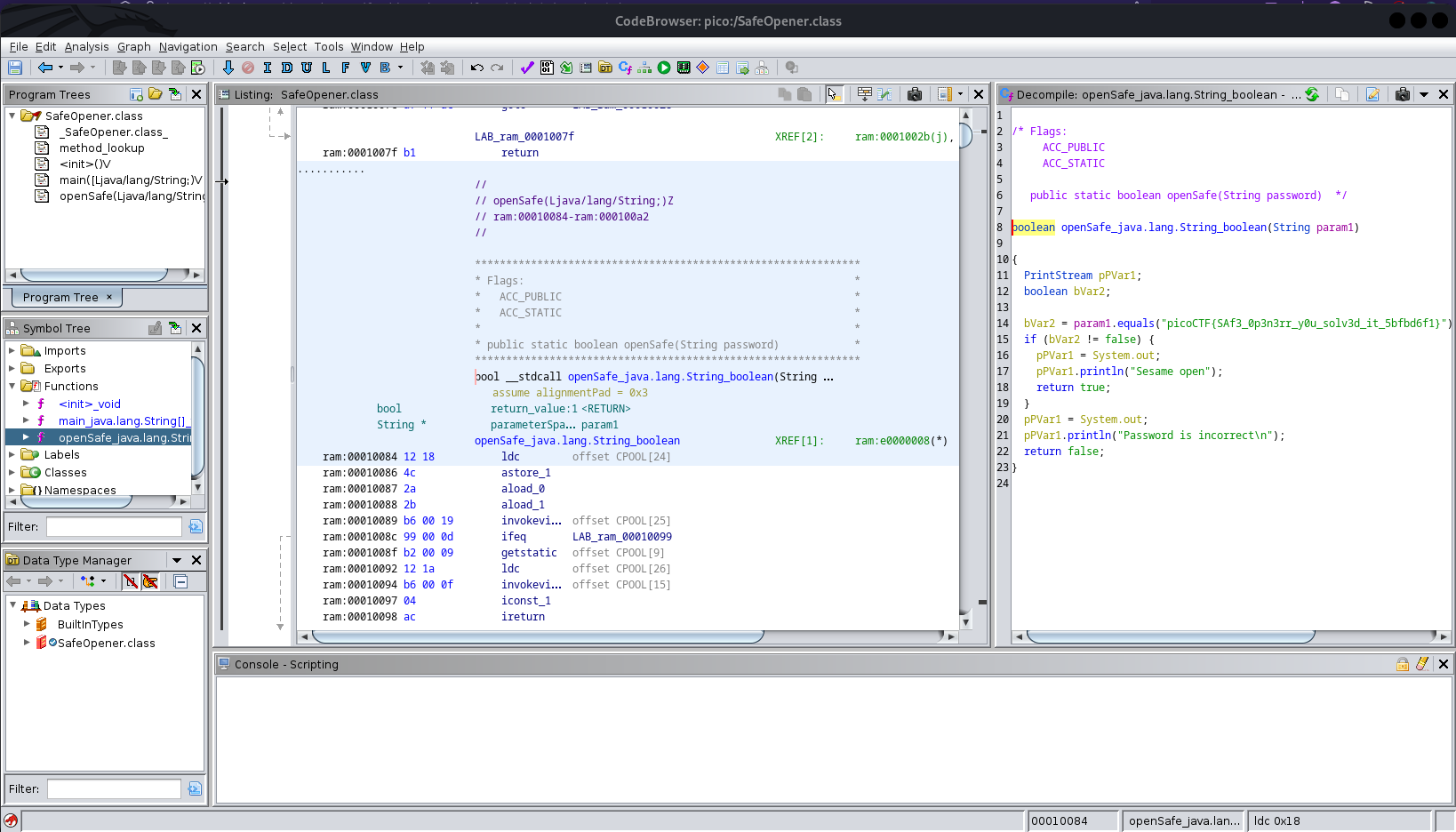
Flag: picoCTF{SAf3_0p3n3rr_y0u_solv3d_it_5bfbd6f1}
Crypto (2/7)
1) HideToSee (100 pts)
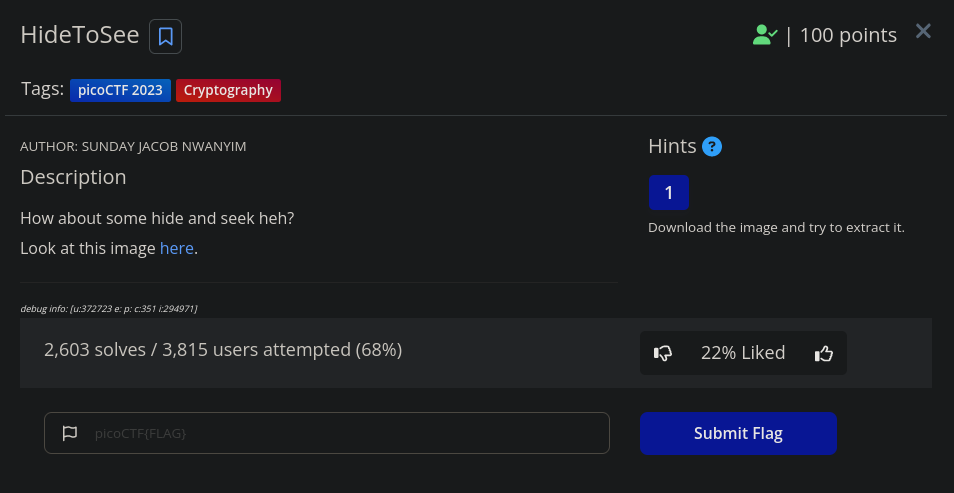
The file required for download here is a jpeg file, atbash.jpg.
On downloading the file, I quickly ran exiftool on it to see if there was anything to be scraped from the metadata but found nothing much. Next I decided to run steghide to see if I can extract any hidden data in the file using the command - steghide extract -sf atbash.jpg
After running the cmd and without inputting any password, this is what we get
$ steghide extract -sf atbash.jpg
Enter passphrase:
wrote extracted data to "encrypted.txt".
We’ve gotten an encrypted.txt file from the jpg. Opening the encrypted file, there is our encoded flag. Quickly, I copy it and put it into CyberChef.
Trying to figure out which encoding cipher it uses, the file name atbash.jpg actually rings a bell. Adding the atbash cipher to the recipe, we get our flag. 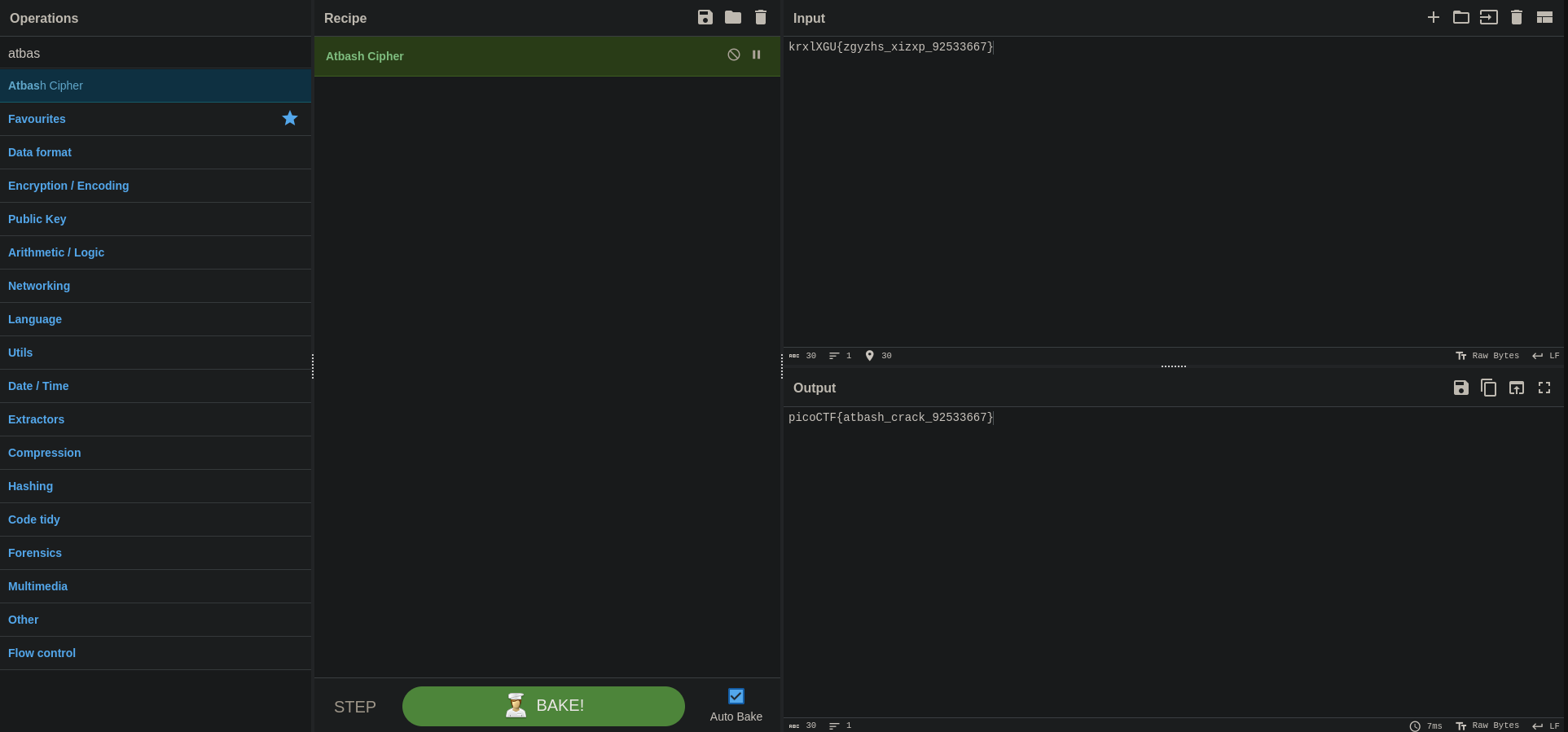
Flag: picoCTF{atbash_crack_92533667}
2) ReadMyCert (100 pts)
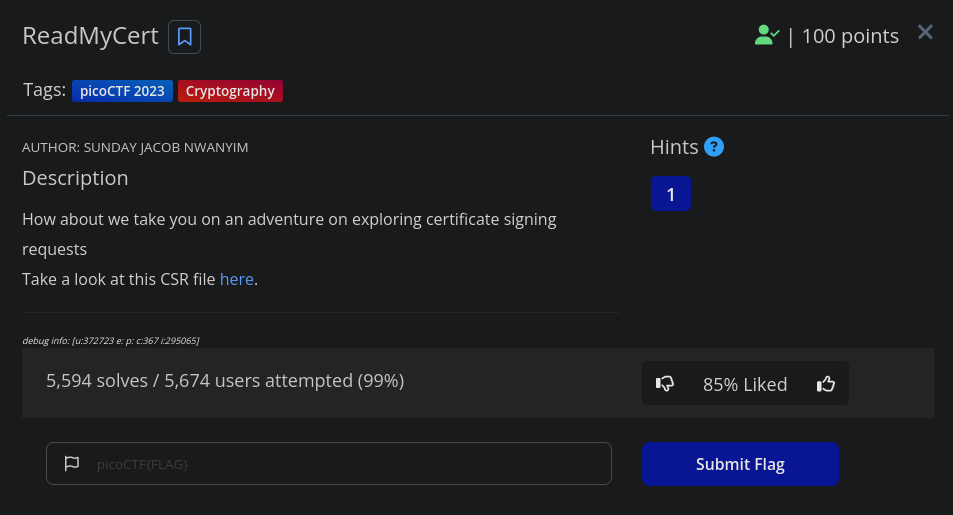
For the challenge, the solve is pretty easy. We’re required to download a csr certificate file. After downloading, I opened the file and the flag was just starting at me. 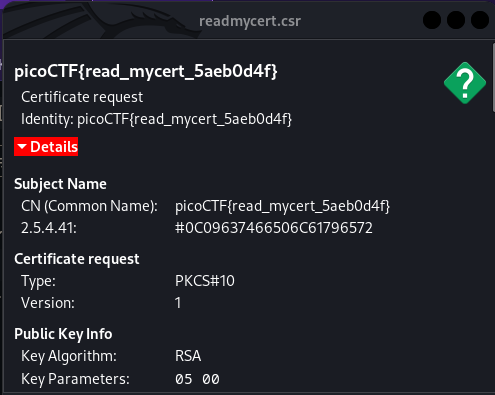
Flag: picoCTF{read_mycert_5aeb0d4f}
Enjoy Reading This Article?
Here are some more articles you might like to read next: